
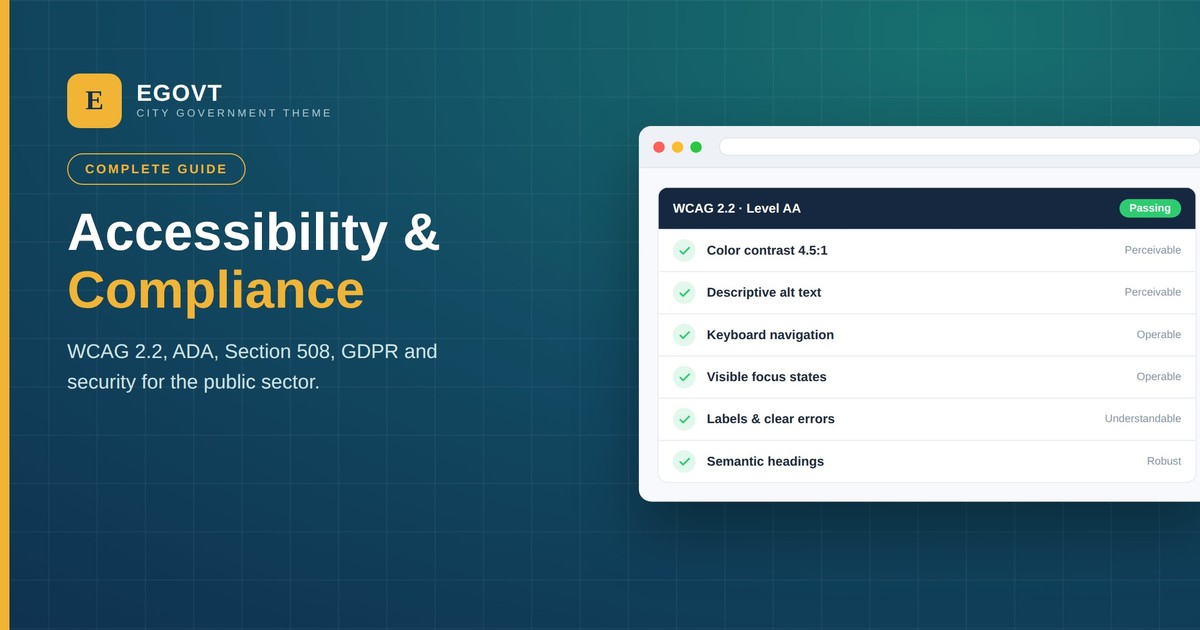
For a public-sector website, accessibility and compliance are not finishing touches — they are the baseline. Residents have a right to use government services online regardless of disability, and in most jurisdictions that right is backed by law. A site that a blind resident can’t navigate, or that mishandles personal data, isn’t just poorly built; it can be unlawful.
This guide is the map to getting it right: what the standards and laws actually require — WCAG 2.2, ADA, Section 508, GDPR — plus the speed, security, design and content practices that make a government site genuinely usable. Each section links to a detailed, practical walkthrough. It’s an overview for the public sector, not legal advice, so confirm the specifics for your jurisdiction with your own advisors.
Why accessibility and compliance are non-negotiable
Around one in five people has a disability. For a government website, excluding them means excluding citizens from public services — and inviting legal complaints. Beyond the law, accessible, compliant sites are simply better: they are clearer, faster, easier to maintain, and they build public trust. The good news is that the requirements, once you lay them out, are a finite and achievable checklist rather than a mystery.
Meet the standard: WCAG 2.2
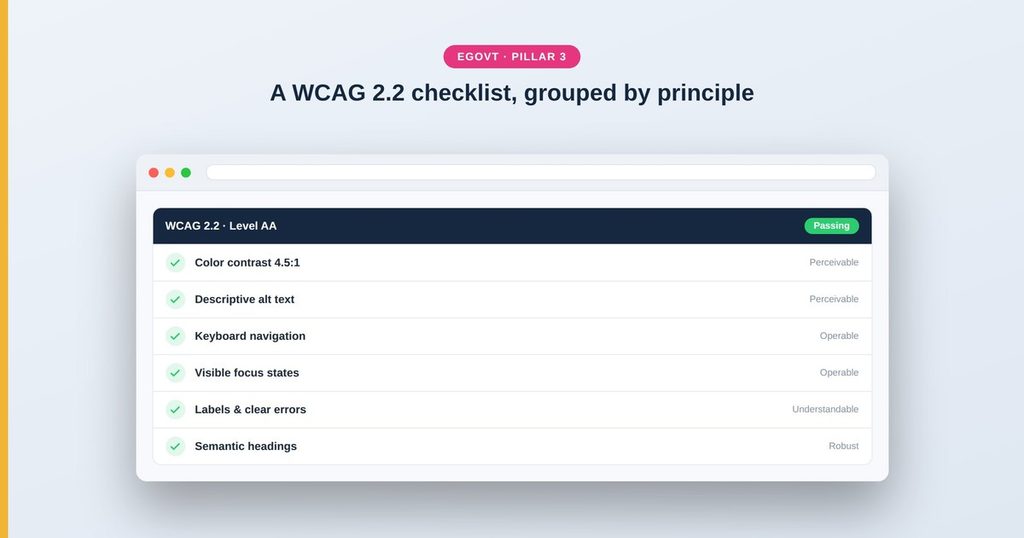
Almost every accessibility law points to the same technical standard: the Web Content Accessibility Guidelines (WCAG) 2.2, at Level AA. WCAG groups its rules under four principles — content must be Perceivable, Operable, Understandable and Robust — and covers things like color contrast, keyboard navigation, alt text, visible focus and clear labels. Rather than read the spec, work from a practical list: our WCAG 2.2 checklist for WordPress turns every requirement into something you can tick off.
The laws: ADA, Section 508 and beyond
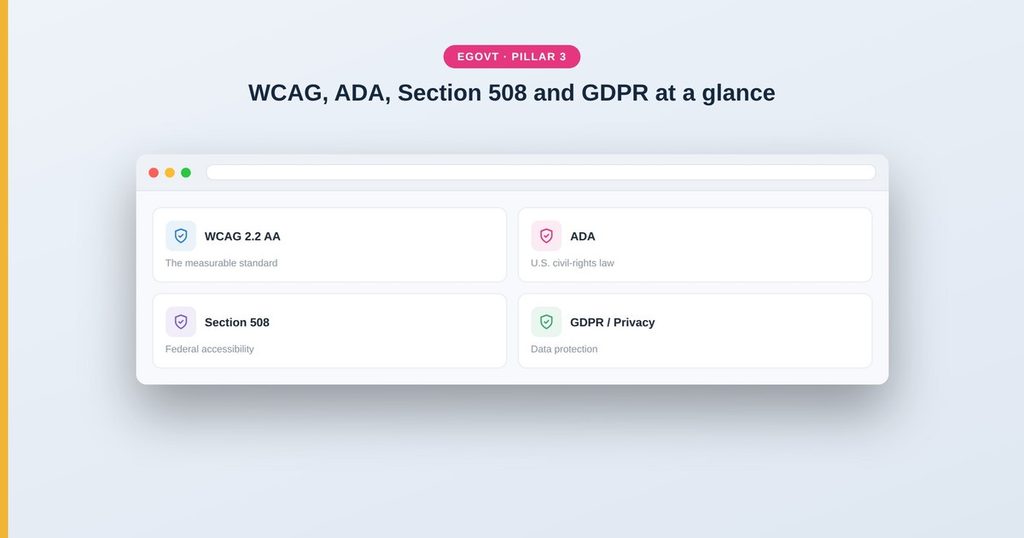
The standard is WCAG; the obligation to meet it comes from law. In the United States, the Americans with Disabilities Act (ADA) and Section 508 both require public-sector websites to be accessible, and both use WCAG as the measure. Other regions have their equivalents — the European Accessibility Act and EN 301 549 — and they align on WCAG too. We explain what each requires, in plain language, in ADA & Section 508 compliance in WordPress.
Privacy and GDPR
Compliance isn’t only about disability. Government sites collect personal data through forms, sign-ups and analytics, which brings the GDPR (and UK GDPR) into play. That means a clear privacy policy, lawful cookie consent, data-minimisation and honouring people’s rights over their data. Our guide to GDPR & privacy for government websites covers the essentials, including cookie consent on WordPress.
Fast and secure
Speed and security are part of compliance in spirit and, increasingly, in law. A government site should load quickly on a phone and a slow connection, pass Google’s Core Web Vitals, and be hardened against attack with HTTPS, prompt updates, strong logins and tested backups. Work through our checklist for a fast, secure government website.
Accessible design
Most accessibility is decided in design, before a line of code is written: color and contrast, readable typography, visible focus states, large tap targets and inclusive form patterns. Get these right and you prevent the majority of WCAG failures. See the principles in accessible web design for the public sector.
Clear content
A site can pass every technical check and still fail people who can’t understand it. Plain language, task-focused structure and correct heading order are accessibility requirements as much as writing best practice. Our content strategy for government websites shows how to write for citizens’ tasks.
Publish an accessibility statement
Many governments are expected to publish an accessibility statement — a page that declares your conformance level (for example, WCAG 2.2 AA), notes any known gaps, and gives people a way to report accessibility problems and request an alternative format. It signals commitment and gives residents a clear route to help.
How Egovt helps you start compliant
Compliance is ultimately about how you build and maintain your site, but the theme sets your baseline — and a good one removes a lot of the work. Egovt is built with an accessibility-ready foundation: sufficient color contrast, keyboard navigation, semantic headings and visible focus states, plus lightweight, cleanly-coded templates that help with speed and security. It works with the free Elementor builder and WPML, so serving residents in multiple languages is straightforward. You still have to write accessible content and test your site — but you begin much closer to the standard.
Build on a compliant-ready foundation. Explore the Egovt City Government theme → View the live demo, or start your accessible municipal site today.
Frequently asked questions
Is my government website legally required to be accessible?
In most places, yes. Laws such as the ADA, Section 508 and the European Accessibility Act require public-sector sites to be accessible, and they use WCAG (currently 2.2, Level AA) as the standard.
What accessibility standard should we meet?
WCAG 2.2 Level AA is the common legal target. It covers contrast, keyboard access, labels, focus visibility, headings and more.
Does GDPR apply to a government website?
Yes, if you handle the personal data of people in the EU/EEA or UK — which almost every site does. It requires a privacy policy, lawful cookie consent and respect for data-subject rights.
Can a WordPress site be made compliant?
Yes. Start with an accessibility-ready theme like Egovt, follow the WCAG checklist, write clear content, secure the site, and verify with manual testing.
Do accessibility overlay widgets make a site compliant?
No. Overlays don’t deliver real compliance and can introduce new problems. Genuine compliance comes from accessible markup, design and content.
Keep reading
- Accessible Web Design for the Public Sector
- A Content Strategy for Government Websites
- Building a Fast, Secure Government Website
- GDPR & Privacy for Government Websites
- ADA & Section 508 Compliance in WordPress
- WCAG 2.2 Accessibility Checklist for WordPress
- How to Build a Government Website With WordPress (Step-by-Step Guide)
