
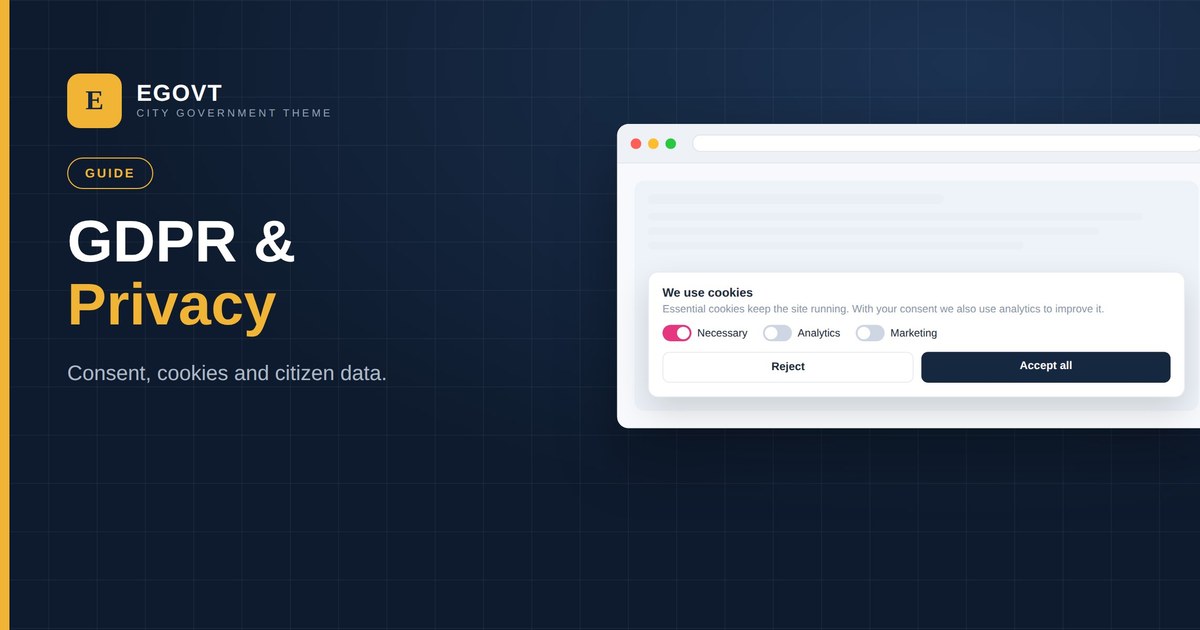
If your website can be reached by residents in the EU/EEA or the UK — and most can — the GDPR (and UK GDPR) applies to how you handle their personal data. Public bodies are squarely in scope. This is a practical, plain-language guide to what a government website needs to get right; it isn’t legal advice, so confirm the specifics with your data-protection officer.
What counts as personal data
Personal data is anything that can identify a person — names and emails, but also IP addresses, cookie IDs and form submissions. Government sites collect it through contact forms, service requests, newsletter sign-ups, analytics and event registrations. GDPR asks you to collect only what you need, be transparent about it, keep it secure and honour people’s rights over it.
The essentials for a government website
- A clear privacy policy — what you collect, why, the legal basis, how long you keep it, and who to contact.
- Cookie consent — ask before setting non-essential cookies (analytics, marketing); essential cookies are exempt.
- Lawful forms — collect the minimum, explain the purpose, and don’t pre-tick consent boxes.
- Data-subject rights — a route for people to access, correct or delete their data.
- Security — protect the data you hold (see our secure government website guide).
- Processor agreements — check that the third-party tools you use (analytics, email) are covered.
Cookie consent on WordPress
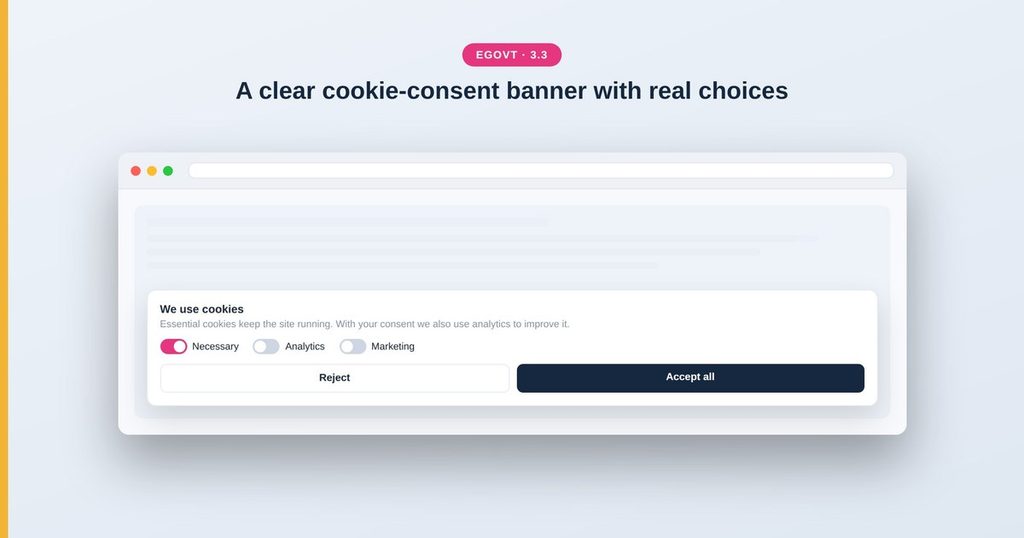
The visible core of GDPR for most sites is the cookie consent banner. On WordPress you add one with a consent plugin — it should block analytics and marketing scripts until the visitor agrees, offer a genuine “Reject” as easily as “Accept”, and let people change their choice later. Avoid banners that only have an “Accept” button or that load trackers before consent.
Keep your data footprint small
The easiest way to reduce risk is to collect less. Prefer privacy-friendly, EU-hosted analytics where possible, don’t embed third-party widgets you don’t need, and turn off any feature that phones home without a purpose. A lightweight, standards-based theme like Egovt keeps the moving parts — and the data they touch — to a minimum.
Tips
- Keep the privacy policy in plain language and easy to find in the footer.
- Review what each plugin collects before you install it.
- Set analytics to anonymise IP addresses.
- Document your data flows so you can answer requests quickly.
Privacy is one thread of public-sector compliance. For the full picture — accessibility, security and more — see our government website accessibility and compliance guide.
Build on a clean, privacy-friendly base
Egovt is lightweight and standards-based, so it’s easy to add a consent banner and keep your data footprint small. See the live demo.
Frequently asked questions
Does GDPR apply to a government website?
Yes. GDPR (and UK GDPR) applies to any site that handles the personal data of people in the EU/EEA or UK, and public bodies are explicitly in scope.
Do I need a cookie consent banner?
If you use non-essential cookies such as analytics or marketing, yes — you must get consent before they load, with a genuine option to reject. Strictly necessary cookies are exempt.
What should a privacy policy include?
What data you collect, why, your legal basis, how long you keep it, who it is shared with, the rights people have, and how to contact you about their data.
Is this legal advice?
No. This is a practical overview; confirm the details for your jurisdiction with your data-protection officer or legal team.
