
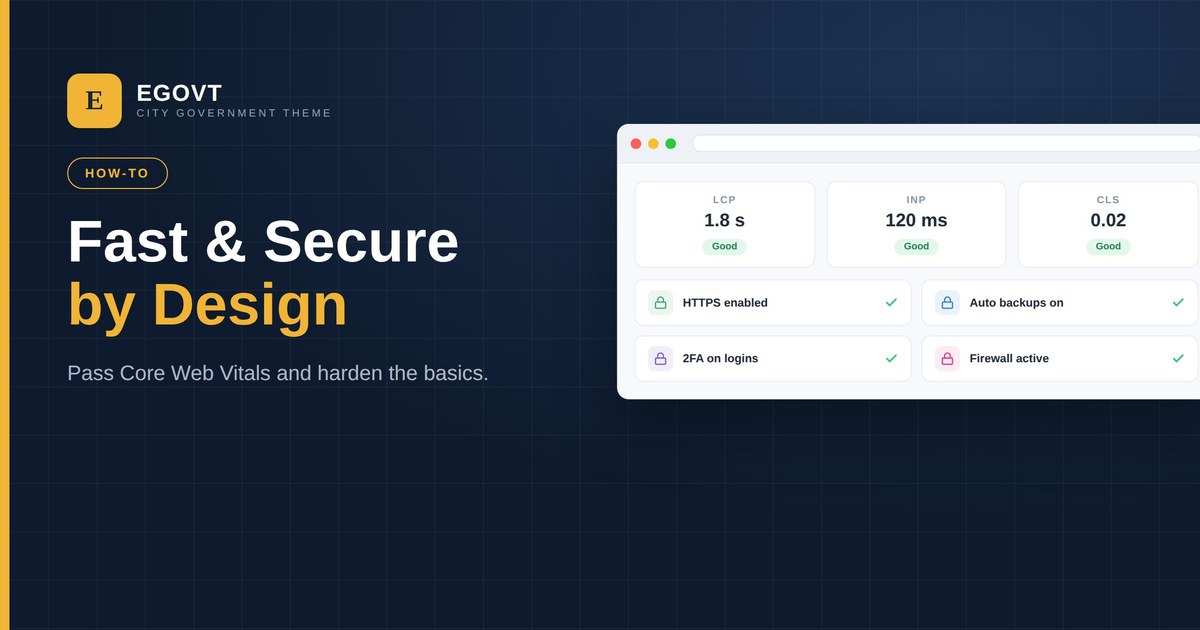
Residents rely on government sites for real tasks, often on a phone and a slow connection — and those sites are attractive targets. Speed and security are not optional. This is a practical checklist to make a WordPress government site fast and hard to break, without a developer on call.
Speed: pass Core Web Vitals
Google’s Core Web Vitals are a good, measurable target for real-world speed:
- LCP (Largest Contentful Paint) — the main content loads in under 2.5 seconds.
- INP (Interaction to Next Paint) — the page responds to taps and clicks quickly.
- CLS (Cumulative Layout Shift) — the layout doesn’t jump around as it loads.
To hit them on WordPress:
- Choose a lightweight theme and only the plugins you truly need.
- Add a caching plugin and, ideally, a CDN.
- Optimise images — compress them, size them correctly, and serve modern formats like WebP.
- Enable lazy loading for below-the-fold images.
- Pick quality hosting — cheap, overloaded servers cap your speed.
Security: harden the basics
Most break-ins exploit the basics, so cover them first:
- HTTPS everywhere — install an SSL certificate and force HTTPS.
- Keep everything updated — WordPress core, theme and plugins, promptly.
- Strong logins — enforce strong passwords and two-factor authentication; limit login attempts.
- Least privilege — give each editor only the role they need.
- Backups — automated, off-site, and tested by actually restoring one.
- A security plugin / firewall — to block common attacks and malware.
- Remove what you don’t use — every unused plugin or theme is extra risk.
Why the theme matters
Speed and security both start with clean foundations. A bloated theme that loads scripts you never use is slow and widens the attack surface. Egovt is built to be lightweight and to follow secure coding practices, so you begin fast and lean — then the checklist above keeps you there.
Tips
- Measure with PageSpeed Insights and re-test after changes.
- Schedule updates and backups so they actually happen.
- Use a staging site to test updates before they go live.
- Monitor uptime so you hear about problems before residents do.
Speed and security are part of a bigger compliance and quality picture. For how they sit alongside accessibility and privacy, see our government website accessibility and compliance guide.
Start light, stay fast
Egovt is a lightweight, cleanly-coded theme built to pass Core Web Vitals, so speed and security are easier from day one. See the live demo.
Frequently asked questions
What are Core Web Vitals?
Three Google metrics for real-world experience: LCP (loading), INP (responsiveness) and CLS (visual stability). Passing them is a practical speed target for a government site.
How do I make a WordPress site faster?
Use a lightweight theme, add caching and a CDN, optimise and lazy-load images, keep plugins to a minimum, and choose quality hosting.
What are the most important security steps?
Force HTTPS, keep WordPress and plugins updated, enforce strong passwords and two-factor login, take tested off-site backups, and run a security plugin or firewall.
Is WordPress secure enough for government?
Yes, when maintained properly. WordPress powers many public-sector sites; security comes from good hosting, prompt updates and the hardening steps above.
