
In the United States, two rules dominate public-sector web accessibility: the Americans with Disabilities Act (ADA) and Section 508 of the Rehabilitation Act. They sound intimidating, but for a website the practical requirement is the same and manageable. This plain-language guide explains what each one asks for and how to meet it on WordPress.
What ADA and Section 508 actually require
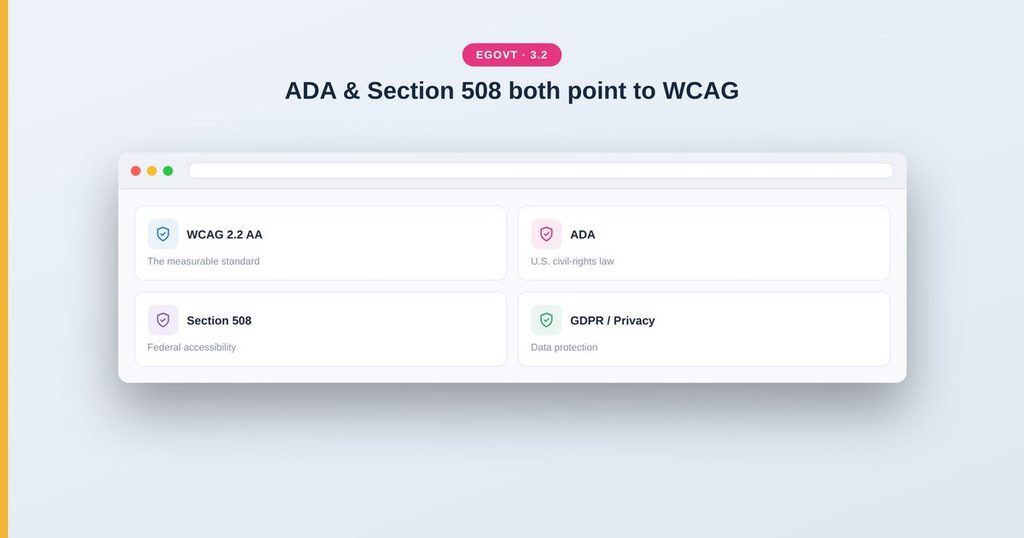
Neither law contains a list of CSS rules. Instead, both point to WCAG (currently 2.2, Level AA) as the measurable standard for an accessible website:
- ADA — broadly prohibits discrimination against people with disabilities. Courts and the Department of Justice treat public and many private websites as covered, using WCAG as the yardstick.
- Section 508 — applies to U.S. federal agencies (and often flows down to state and local government through funding). It explicitly adopts WCAG 2.0/2.2 Level AA.
So “ADA compliant” and “508 compliant” both come down, in practice, to meeting WCAG 2.2 Level AA — the same checklist you’d follow for accessibility anywhere. Other regions have their equivalents (the European Accessibility Act, EN 301 549), and they align on WCAG too.
How to make a WordPress site compliant
- Start with an accessibility-ready theme. The theme decides your baseline — contrast, keyboard support, semantic markup and focus states. Egovt is built with these in mind.
- Work the WCAG 2.2 checklist. Contrast, alt text, keyboard access, labels, headings and visible focus — see our WCAG 2.2 checklist.
- Fix content, not just code. Most failures are in content: missing alt text, vague links, unlabelled forms, PDFs that aren’t tagged.
- Test manually. Keyboard-only navigation and a screen-reader pass reveal what automated scanners miss.
- Publish an accessibility statement. Many agencies are expected to state their conformance level and give a contact for accessibility problems.
Common mistakes that cause complaints
- Images and icons with no alt text.
- Forms with placeholder text instead of real labels.
- Low-contrast text, especially light gray on white.
- Menus and sliders that can’t be used with a keyboard.
- Inaccessible PDFs treated as the only way to get information.
Tips
- Treat compliance as ongoing, not a one-time launch task.
- Give one person clear ownership of accessibility.
- Offer an accessible HTML alternative to every important PDF.
- Keep records of your testing — they matter if a complaint arrives.
ADA and Section 508 are part of a broader set of obligations. See how they fit with WCAG, GDPR and security in our government website accessibility and compliance guide.
A theme built with compliance in mind
Egovt gives you an accessibility-ready foundation — the groundwork ADA and Section 508 expect — so your site starts compliant-friendly. See it in the live demo.
Frequently asked questions
Is my government website legally required to be accessible?
Almost certainly. In the U.S., ADA and Section 508 apply to public bodies (and many private ones), and both use WCAG as the standard. Other regions have equivalent laws that also point to WCAG.
What is the difference between ADA and Section 508?
ADA is a broad civil-rights law covering discrimination; Section 508 specifically requires U.S. federal (and often state/local) technology to be accessible. For websites, both are met by conforming to WCAG 2.2 Level AA.
How do I make my WordPress site ADA compliant?
Start with an accessibility-ready theme like Egovt, follow the WCAG 2.2 checklist for your content and design, fix content issues like alt text and labels, and verify with manual testing.
Does an accessibility widget make me compliant?
No. Overlay widgets do not make a site compliant and can create new problems. Compliance comes from accessible markup, design and content.
