
Choosing the right rental plugin is essential for running a successful WooCommerce-based rental business. Two of the most popular options are RnB (Rental & Booking) and BRW (Booking Rental WooCommerce). Both plugins are designed to help businesses manage rentals for cars, bikes, equipment, properties, or even taxi services, but they differ in flexibility, pricing models, and customization options.
In this article, we will compare the core features of these two plugins. We’ll break down the strengths and limitations of each across key areas—such as pricing types, booking rules, discount options, and additional features—so you can easily decide which solution best fits your rental business needs
Overview
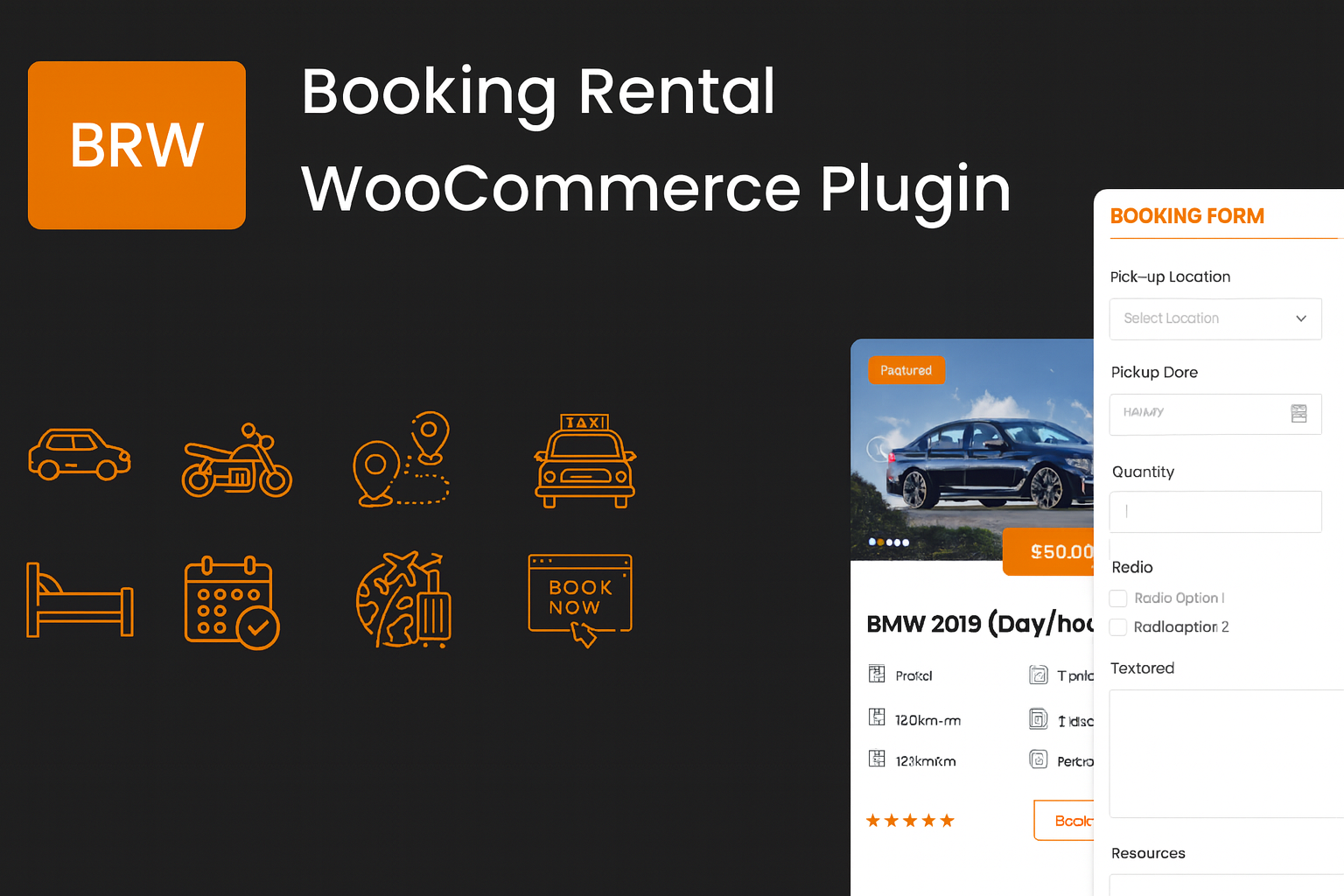
BRW WooCommerce Rental Plugin: The plugin is fully compatible with WooCommerce, inheriting all its strengths—secure payments, broad plugin integration, and an intuitive, user-friendly interface. It adds advanced capabilities for rental businesses, including time-based pricing, route/distance-based pricing, and configurable fees for waiting time, preparation time, and lease duration. It also supports booking and appointment use cases with time-slot pricing and customizable guest options.
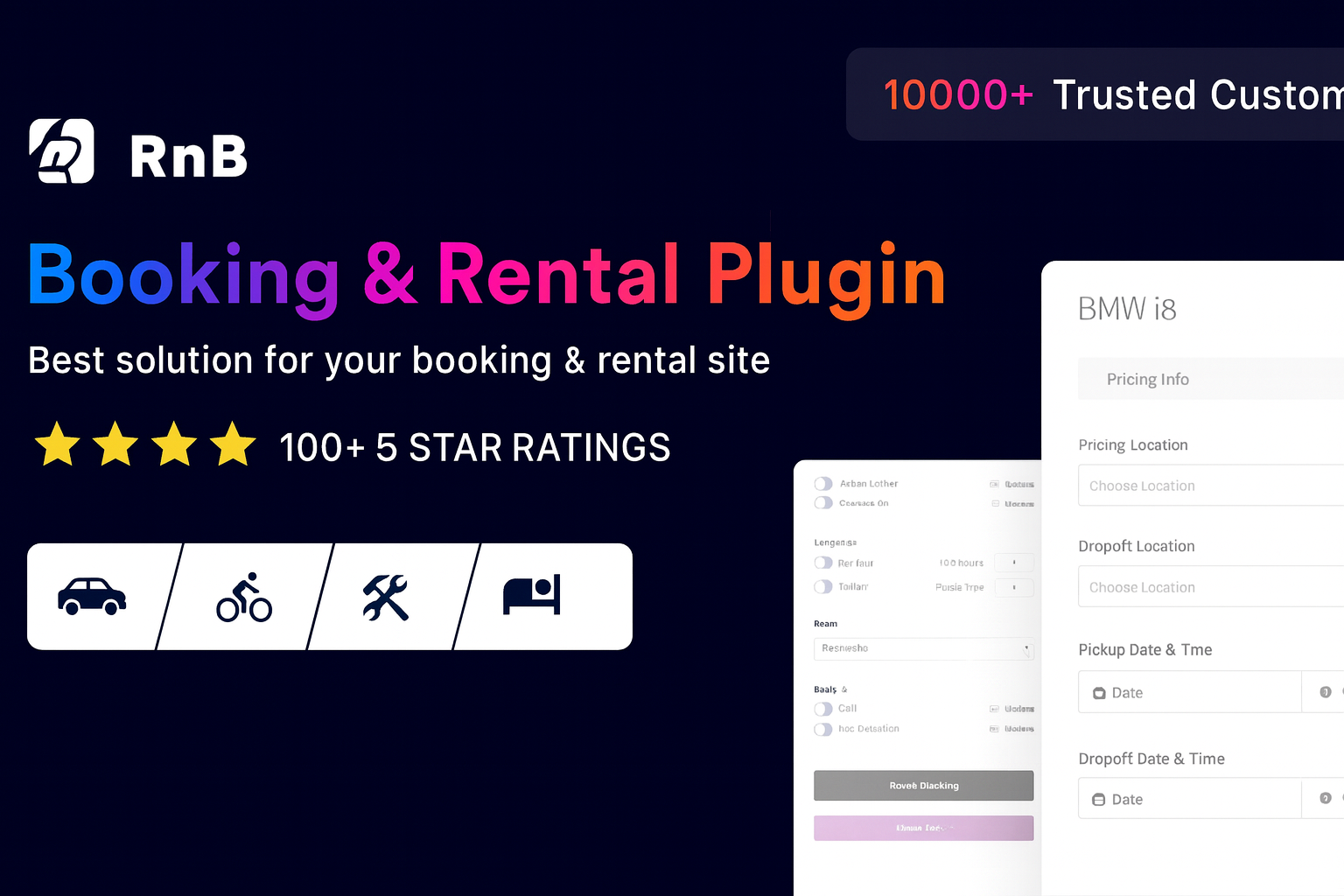
RNB WooCommerce Rental Plugin: RNB is one of rental plugins selling the best in CodeCanyon that is designed for businesses offering rentals or services like car rentals, hotel bookings, equipment hire, dress rentals, travel packages, real estate, and more. It provides flexible pricing modes for rental services, manage inventory powerfully, set numerous booking rules.
Core Feature Comparation
1: Pricing Mode Comparation
In rental plugins, the Pricing Mode (also called pricing type or pricing method) defines how rental costs are calculated. Different plugins support different modes depending on the business model. Below is a comparison table of the pricing modes offered by the two plugins
| Pricing Type | RnB | BRW | Notes |
|---|---|---|---|
| Hourly Pricing | ✅ Hourly-based Pricing (e.g., $20 per hour ) ✅ Flat Hourly-based Pricing (e.g., 3 hours= $20, 5 hours = $30 ) ✅ Hour Range-based Pricing | ✅ Hourly-based Pricing (e.g., $20 per hour ) ✅ Flat Hourly-based Pricing (e.g., 3 hours= $20, 5 hours = $30 ) | – RnB: If booking < 1 day → price per hour. If > 1 day → defaults to daily pricing. – BRW: Even if booking > 1 day → still calculated per hour. |
| Daily Pricing | ✅ Day Range Price (e.g., 1-3 days = $20, 4-6 days = $30 ) ✅ Daily Price (e.g., Monday: $10, Tuesday: $14) ✅ Flat Day-based Pricing (e.g., $10 per day) | ✅ Daily Price (e.g., Monday: $10, Tuesday: $14) ✅ Flat Day-based Pricing (e.g., $10 per day) ✅Daily-based Pricing (e.g., 3 days= $20, 5 days = $30 ) | – BRW supports 3 ways to calculate rental days: ① 1 rental day as Calendar day ② 1 rental day as One night ③ 1 rental day as 24 hours |
| Mixed (Day + Hour) | ✅ Supported | ✅ Supported | Both plugins allow mixed day & hour pricing. |
| Monthly Pricing | ✅ Supported | ❌ Not supported | Only RnB supports monthly pricing. |
| Route-based Pricing | ❌ Not supported | ✅ Supported (e.g., Airport → City Center = $30) | Only BRW supports route-based rental services. |
| Price per km | ✅ Supported (can choose Km or Mile) | ✅ Supported (can choose Km or Mile) | Both plugins allow to set price per Km/Mile |
| Time-slot based Pricing | ❌ Not supported by default (requires Bookingly add-on $29) | ✅ Supported by default (e.g., 08:00 – 12:00 → $20, 12:00 – 16:00 → $25) | BRW includes this feature without extra cost. |
→ Summary:
Both plugins offer various pricing types. However:
- RnB is stronger for monthly rentals
- BRW excels in transport/appointment-related pricing thanks to route-based and built-in time-slot pricing.
2: Discounts and Offers Comparation
In rental plugins, Discounts and Offers are key features that help attract customers, encourage longer bookings, and increase overall sales. Below is a comparison table of discounts offered by the two plugins
| Discount Type | RnB (WooCommerce Rental & Booking) | BRW (Booking & Rental Plugin) | Explanation |
| Basic Discounts | ✅ Supported | ✅ Supported | General discount rules available in both plugins. |
| Discount Type | ✅ Fixed amount and % | ✅ Fixed amount only (❌ no %) | RnB allows reducing price by either a fixed value (e.g., $20) or a percentage (e.g., 10%). BRW only supports fixed values. |
| Day/Hour Range Discount | ✅ Day-range only (fixed or %) | ✅ Hour or day range (fixed) Ex: 3-5 days: $19/day, 6-10 days: $18/day | Apply different prices depending on rental duration. Example: rent 3 days = 10% off; rent 7 hours = $15 off. |
| Distance-Based Discount | ❌ Not supported | ✅ Supported | Price decreases per km for longer trips (mainly for taxi services). Example: $2/km for first 10 km, $1/km afterwards. |
| Base Price (Minimum Charge) | ❌ Not supported | ✅ Supported | Set a minimum starting fee, useful for taxis or delivery services. Example: $5 base fare + distance charges. |
| Seasonal Pricing | ❌ Not supported | ✅ Supported | Adjust prices based on season, holidays, or demand. Example: $100/day in peak season, $70/day in off-season. |
→ Summary:
- RnB: Supports both discount types ( percentage amount and fixed amount ) but only in basic form (day-range).
- BRW: Supports fixed-only discounts but offers more advanced conditions (distance, base price, seasonal).
3: Booking Rules & Restrictions Comparation
Booking rules and Restrictions allow rental businesses to control availability, timing, and conditions of rentals. These settings ensure smoother operations, prevent conflicts, and align bookings with business policies. Below is a comparison table of booking rules offered by the two plugins
| Feature | Explanation | RnB | BRW |
| Min & Max Booking Rental Duration | Set minimum & maximum rental duration allowed. | ✅ Supported | ✅ Supported |
| Initial Block Days | Block certain days at the beginning before booking is available. | ✅ Supported | ✅ Supported |
| Pre-Booking Block Days | Block days before the booking start date. | ✅ Supported | ❌ Not supported |
| Post-Booking Block Days | Block days after the booking end date | ✅ Supported | ✅ Supported |
| Last Hour Management | Control last available booking hour | ✅ Supported | ✅ Supported |
| Holiday Closures | Mark holidays as unavailable for booking. | ✅ Supported | ✅ Supported |
| Weekend Selection | Define which days are weekends | ✅ Supported | ✅ Supported |
| Opening & Closing Hours | Set working hours | ✅ Supported | ❌ Not supported |
| Date Formats | DD/MM/YYYY, MM/DD/YYYY and other | ✅ Supported | ✅ Supported |
| Disable Specific Weekdays | Block specific weekdays | ❌ Not supported | ✅ Supported |
| Overcome Disabled Weekdays | Allow booking across disabled weekdays (e.g., book Mon–Fri even if Thu is disabled). | ❌ Not supported | ✅ Supported |
| Time Interval | Define minimum time slot between bookings | ✅ Supported | ✅ Supported |
→ Summary:
Both RnB and BRW WooCommerce Rental Plugin offer a solid set of booking rule features. However:
- RnB is stronger in pre-booking controls, as it supports pre-booking block days and opening/closing hours—features not available in BRW
- On the other hand, BRW stands out with weekday flexibility: It allows customers to block weekdays and book across disabled weekdays, which RnB does not support.
4: Comparation for other features
4.1: Quantity
The Quantity feature in a rental plugin controls how many units of a rental product are available and how many a customer can book at once.
- RNB support only set General Stock
- BRW support both Set General Stock and Item-level Stock
Explanation:
- General Stock Setting: It is best for identical products. You just set the total number of units (e.g., 5 cars of the same model). The system reduces availability automatically after each booking.
- Item-level Stock setting: It is best for unique products with IDs. Each item can be tracked individually (e.g., if you have 5 identical cars but you want to manage each individual unit separately, you create 5 separate assets, each with its own license plate number, code or serial number … When a customer books, the system assigns a specific car)
4.2: Pay During Booking
Pay during booking ( Partial Payment ) is a feature in rental plugins that allows customers to pay only part of the total booking cost upfront when they place a booking
- In RnB, the admin can configure the system to either require customers to pay a deposit (partial payment) or to make the full payment upfront at the time of booking. However, customers are not allowed to choose which option they prefer — they must follow the rule set by the admin.
- In BRW, the plugin is more customer-oriented and flexible. It allows customers to choose between two options during checkout: paying the entire booking amount upfront (full payment) or paying only a deposit (partial payment).
4.3: Booking Form
A Booking Form is the interface (form) on a rental website or plugin where customers enter the details of their reservation.
In Booking Form, both Plugins allows to add features & Specifications, payable resources and services, pick-up location & drop-off location. However, RNB WooCommerce Rental Plugin enable you to set unpayable persons and persons – which BRW does not support
4.4: Local Settings & Global Settings
Global Settings are system-wide configurations that apply to all rental products across your website or store. Meanwhile, Local Settings product-level configurations that override or extend the global defaults for a specific rental item.
- RNB focuses on giving you more flexibility at the local settings level . If you manage different types of vehicles or rental items, RNB allows you to customize each one independently to match its specific requirements.
- BRW, on the other hand, emphasizes flexibility in the global settings. This makes it easier to manage a large number of rental items with consistent policies for pricing, booking restrictions, availability rules, and overall behavior.
Sum Up
Both RnB and BRW WooCommerce Rental Plugin are powerful rental solutions but focus on different strengths.
- RnB is best for time-based and property rentals, offering per-product customization, monthly rentals, and strong pre-booking controls. Ideal for businesses with a diverse catalog where each product needs unique settings.
- BRW is more versatile for time-based, property rentals, transport, tours, and appointment services, with strong global settings, flexible payments, manual quantity management, plus built-in route-based and time-slot pricing. Perfect for companies needing centralized management and transport-focused features.
