
WordPress Events Plugin - FullEvents
FullEvents is a WordPress events plugin with Elementor widgets and shortcodes to build event calendars, manage events and sell tickets with WooCommerce.
For 1 Site
Popular Use Cases
FullEvents adapts to any event-driven website. Built with both Elementor widgets and shortcodes, it works with any theme — here are the most popular ways people use this WordPress events plugin.
Conferences & summits
Publish agendas, list speakers and sell tickets through WooCommerce, using Elementor widgets or shortcodes to build branded event pages.
Concerts & music venues
Promote upcoming shows with countdown timers and event sliders, then take bookings directly through your event calendar.
Workshops & training courses
List sessions with dates, prices and Google Maps locations, and let attendees register or book seats in a few clicks.
Webinars & online events
Collect sign-ups, display start times clearly and link attendees straight to the live session, on any theme you use.
Festivals & expos
Organize multi-day programs by category and tag, with AJAX search and filters so visitors find events fast.
Communities & nonprofits
Share a clean public events calendar of meetups, classes and fundraisers that anyone can browse on any device.
Core Value
FullEvents brings everything you need to run events in one plugin — calendars, search, countdowns and booking — with Elementor widgets and shortcodes, so it fits into any WordPress workflow.
Elementor widgets & shortcodes
22 Elementor widgets and 20 shortcodes build event calendars and single event pages on any theme — no page builder required.
Event calendar views
Display events in a FullCalendar or simple monthly calendar so visitors can browse what's coming at a glance.
AJAX filter & live search
Let users filter by category and search events instantly, with pagination that loads without reloading the page.
Ticket booking & payments
Sell paid tickets through WooCommerce checkout or link free events to any external booking page.
Countdown timers
Build anticipation before each event starts with a live countdown that drives sign-ups and attendance.
Google Maps & event details
Show venue location, date, time, price and organizer contact so attendees have every detail in one place.
Event Archive & Category Templates
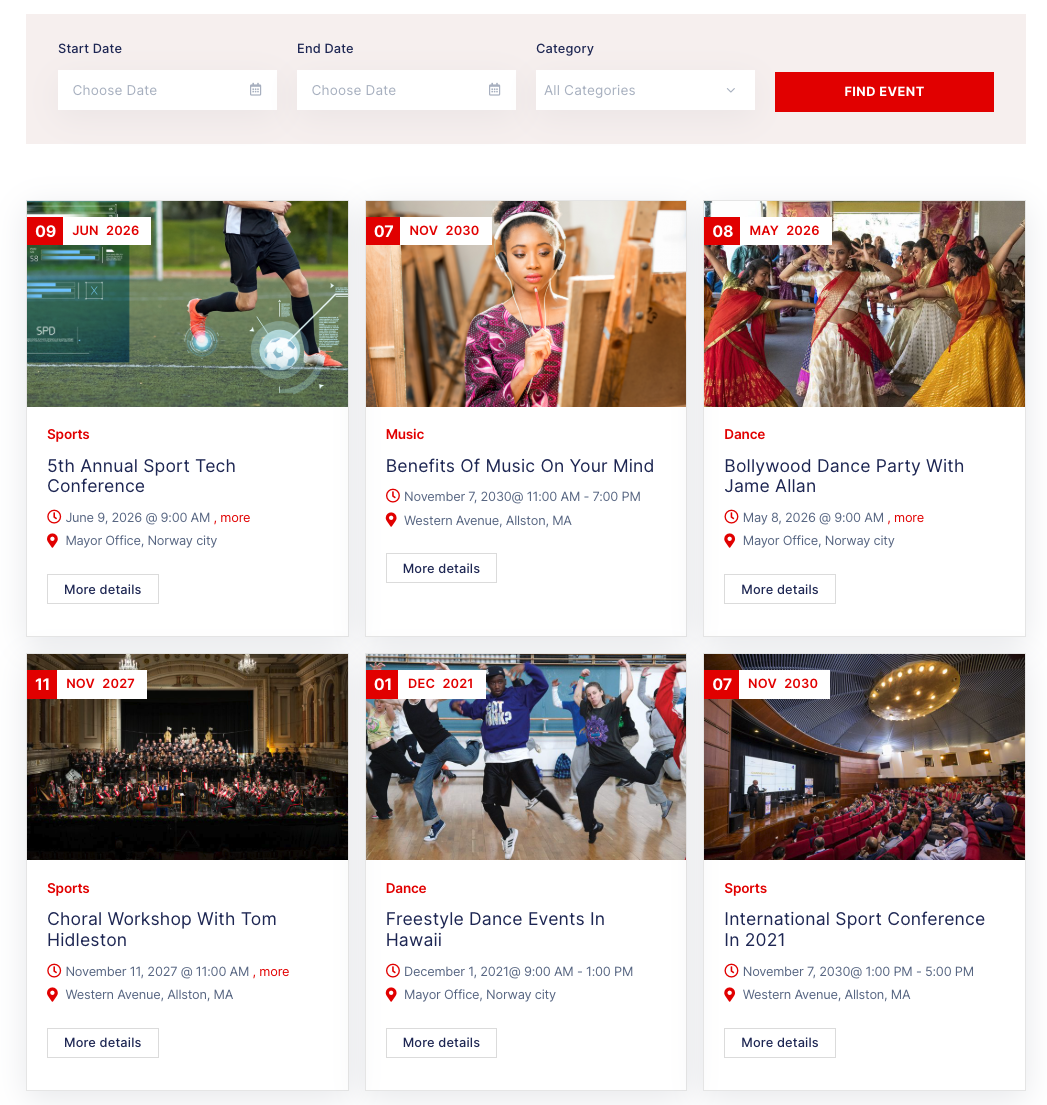
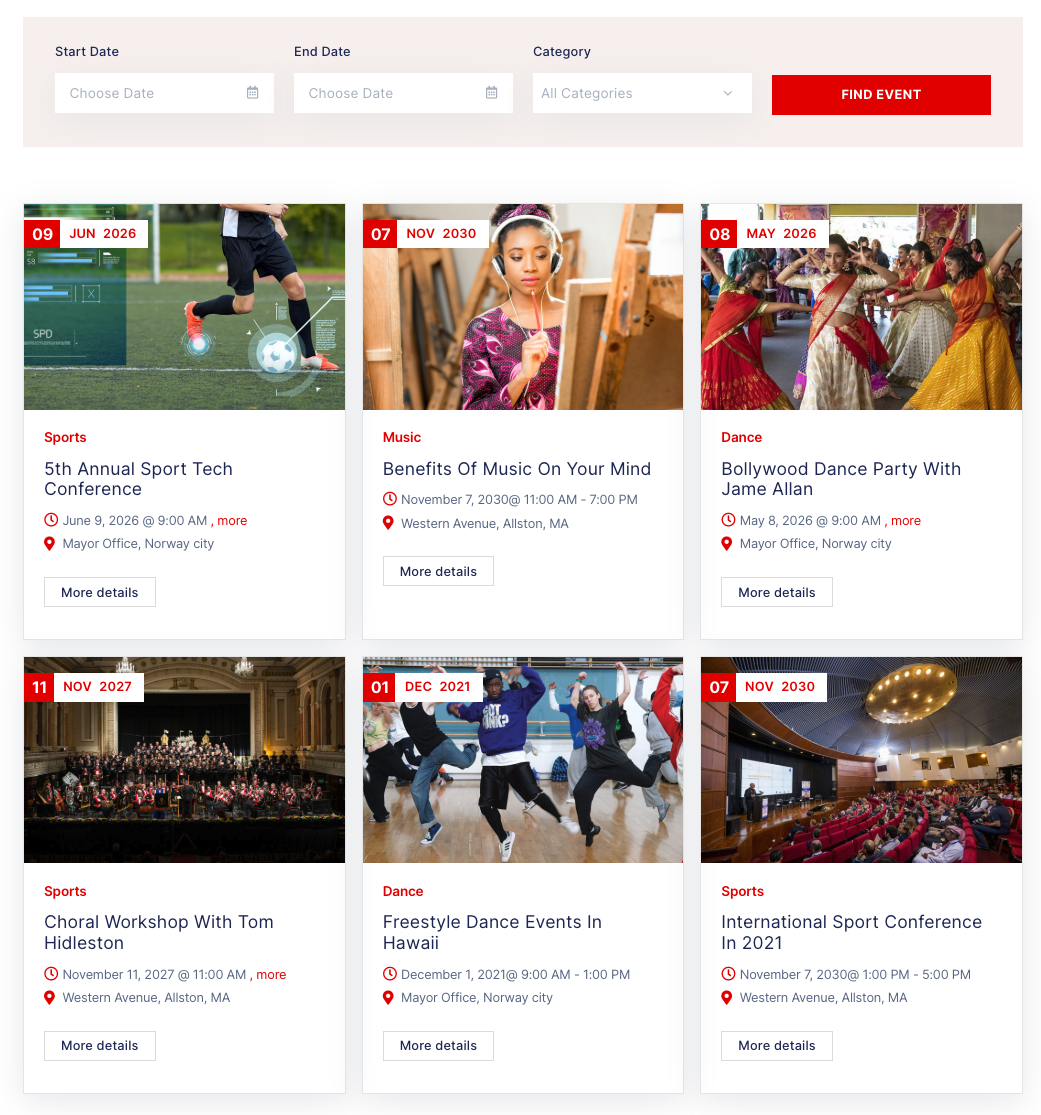
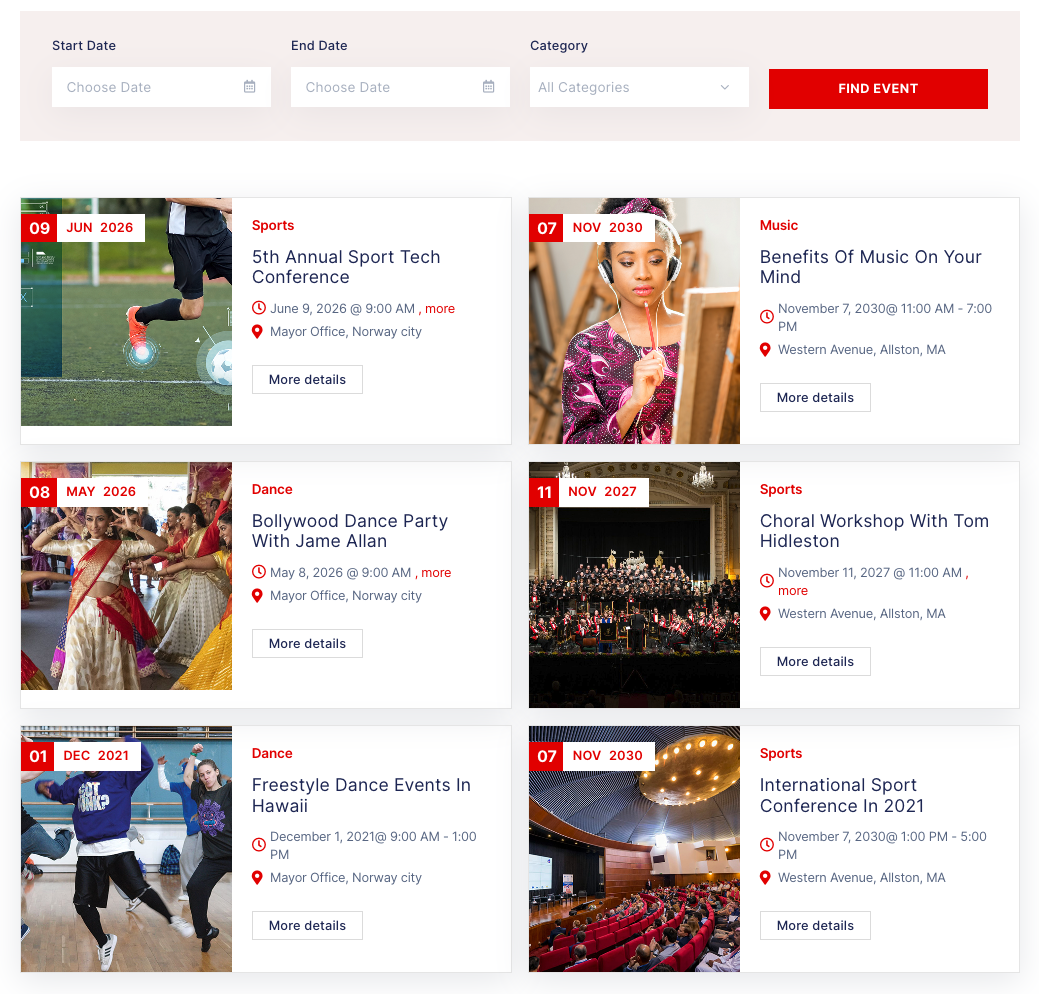
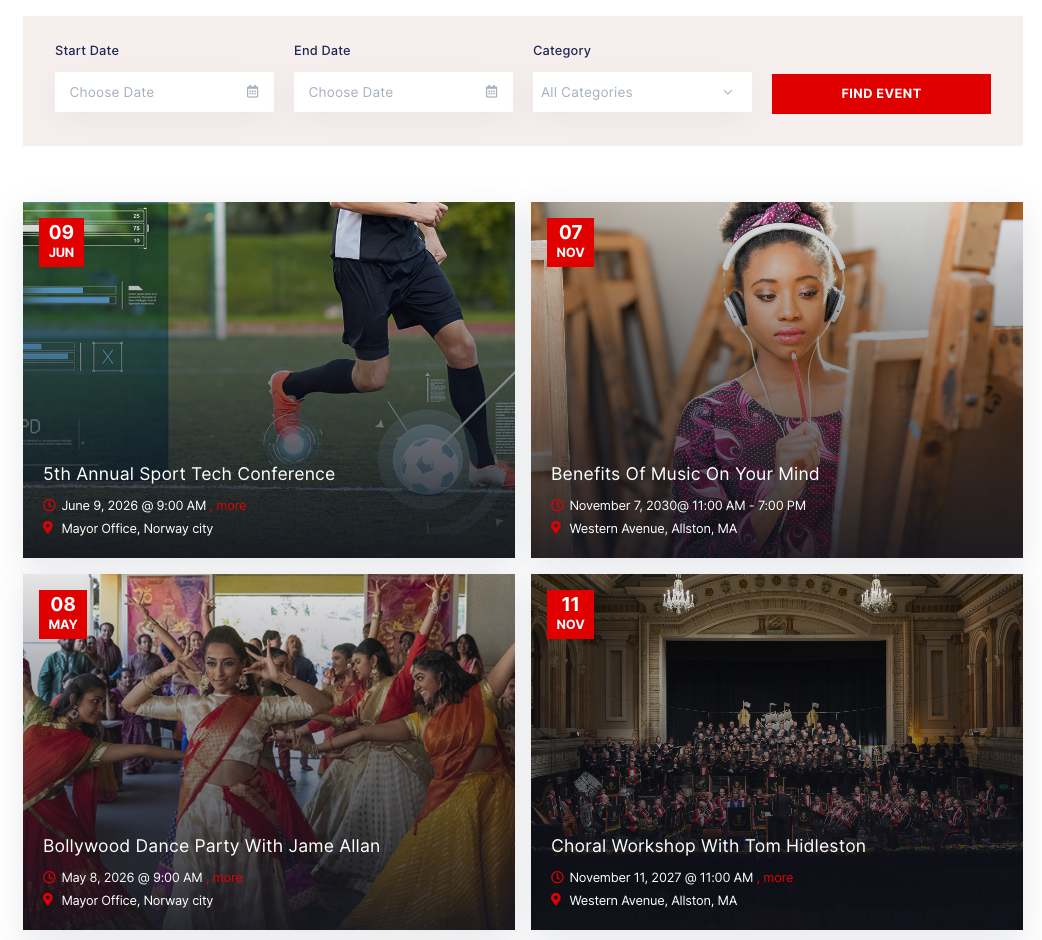
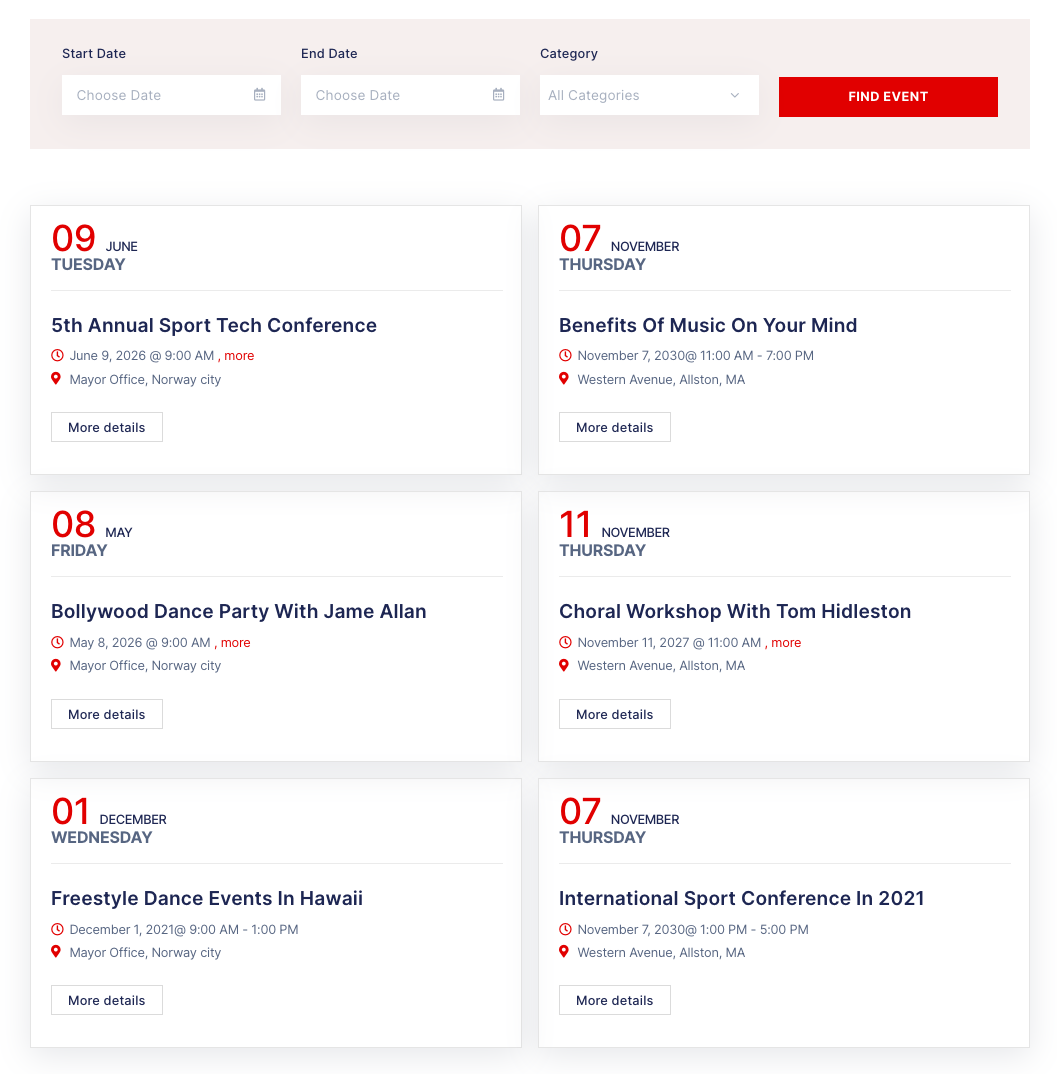
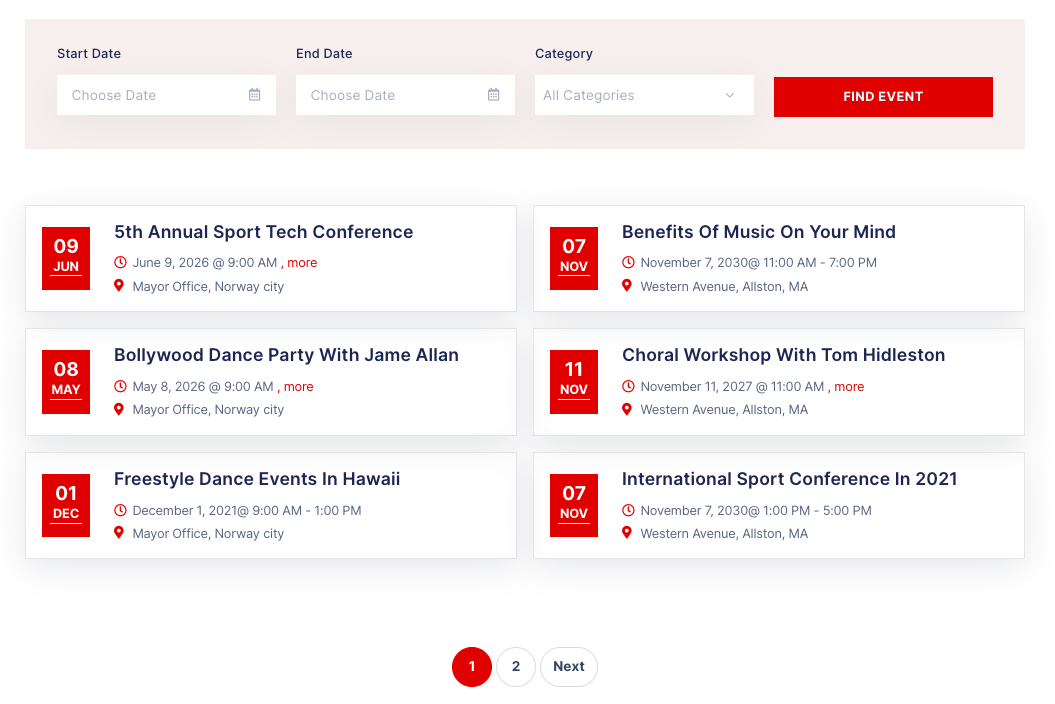
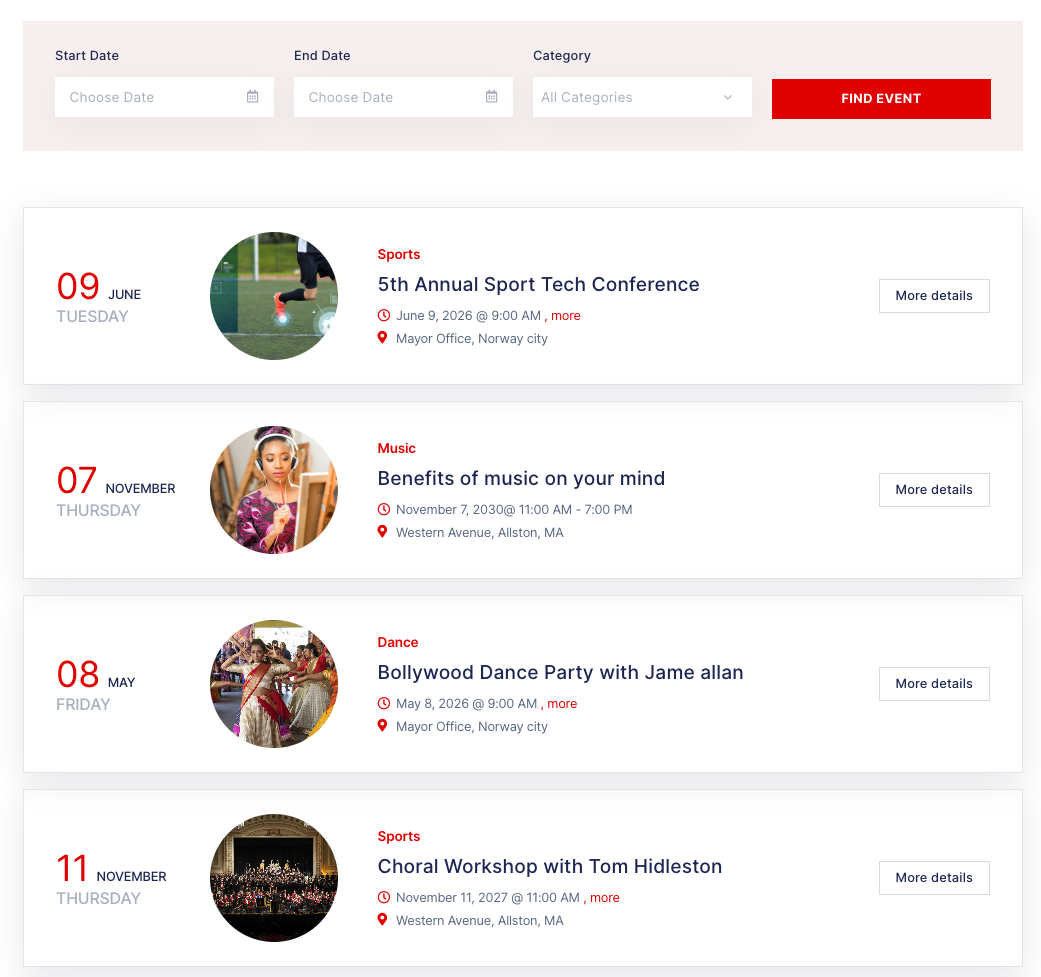
FullEvents ships with six ready-made archive and category layouts for your events list. Switch designs in one click, show or hide the sidebar, and add a live search filter — no coding needed.
6 event card layouts
- Grid with top image — 3-column grid with featured image, date, category, title and location.
- Horizontal image card — Image on the left, event details on the right.
- Image overlay — Full-image cards with title and date over the photo.
- Date-block list — Cards led by a large day / month / weekday block, no thumbnail.
- Compact list — Minimal list with a small date badge and pagination.
- Wide list with thumbnail — Full-width rows with date block, circular thumbnail and details.
Layout options
- Sidebar on or off — Show the archive full-width or with a sidebar.
- Search & filter form — Find events by start date, end date and category.
Flexible Single Event Templates
Use the default event template with an optional sidebar, or build your own single event page with Elementor — full design freedom, no coding needed.


Product Essentials
Everything you need to know about this wordpress events plugin before you buy.
-
1. What’s Included
- Plugin File
- Documentation
- Access to downloads
-
2. Compatible Browsers
- Chrome
- Firefox
- Safari
- Opera
- Edge
-
3. Compatibility
- WordPress Latest Version
- PHP 8.x
- PHP 7.x
- WooCommerce
- Elementor
- WPML
- Loco Translate Plugin
- WPBakery Page Builder
-
4. Documentation
-
5. Support
- Monday - Saturday
- 24h Response Time
- Support via Forum
- Support via Email
-
6. Changelog
- Version 1.3.6
- 9 October 2026
- Read changelog file
Version history
- N = new
- U = update
- D = dev
- F = fix
- R = remove
- O = other
-
7. License
- 12 Months Update
- 12 Months Supports
Need Help?
Our support team is here for you
14 Days Money Back Guarantee!!!
Get a full refund as long as your request meets the conditions in our refund policy.
Elementor Widgets & Shortcodes
Build event pages your way with 22 Elementor widgets and 20 shortcodes — calendars, sliders, countdowns and more, on any theme. No coding needed.
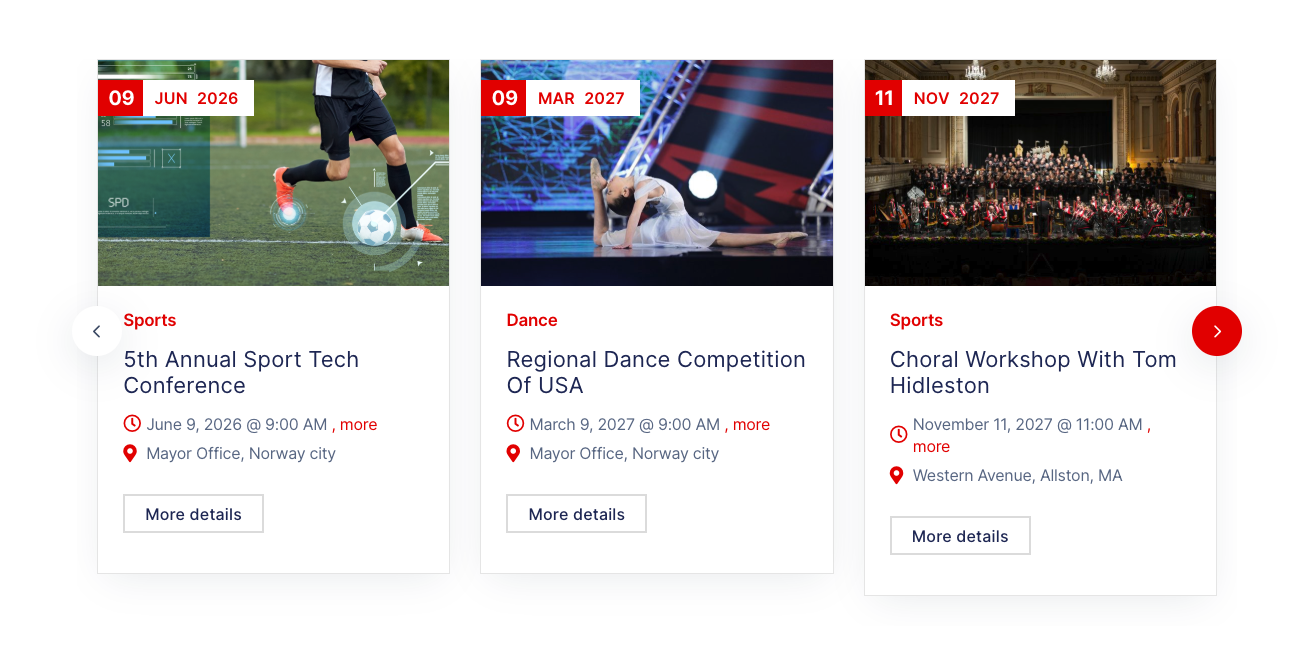
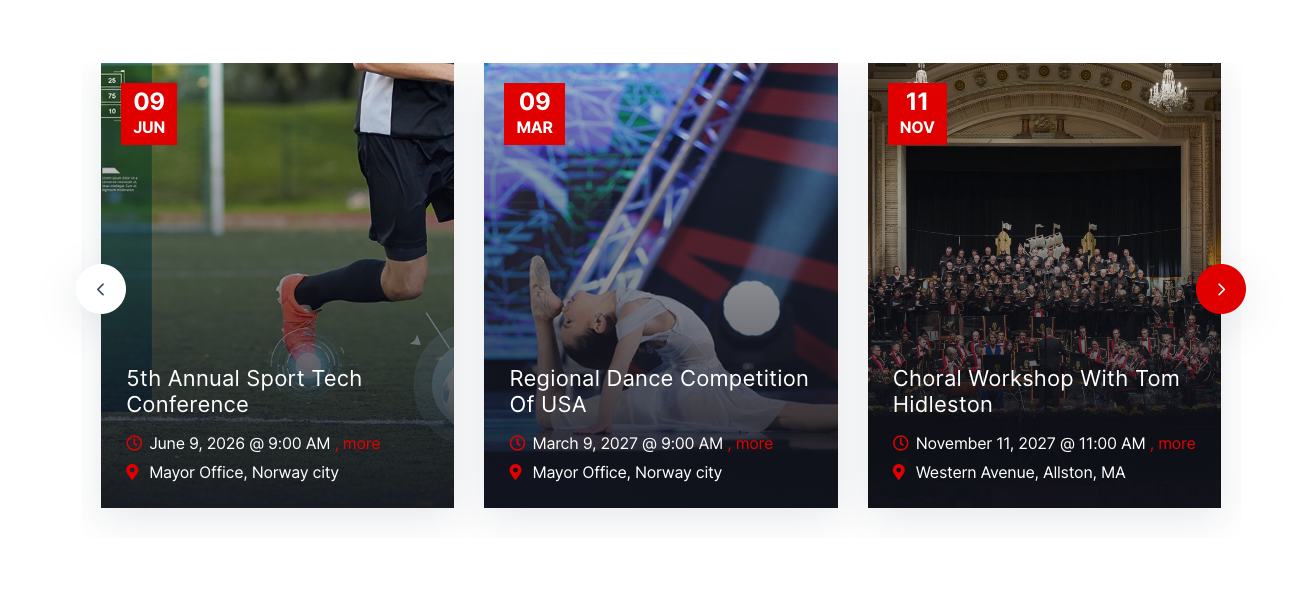
Showcase events in a responsive slider carousel, available as both an Elementor widget and a shortcode.
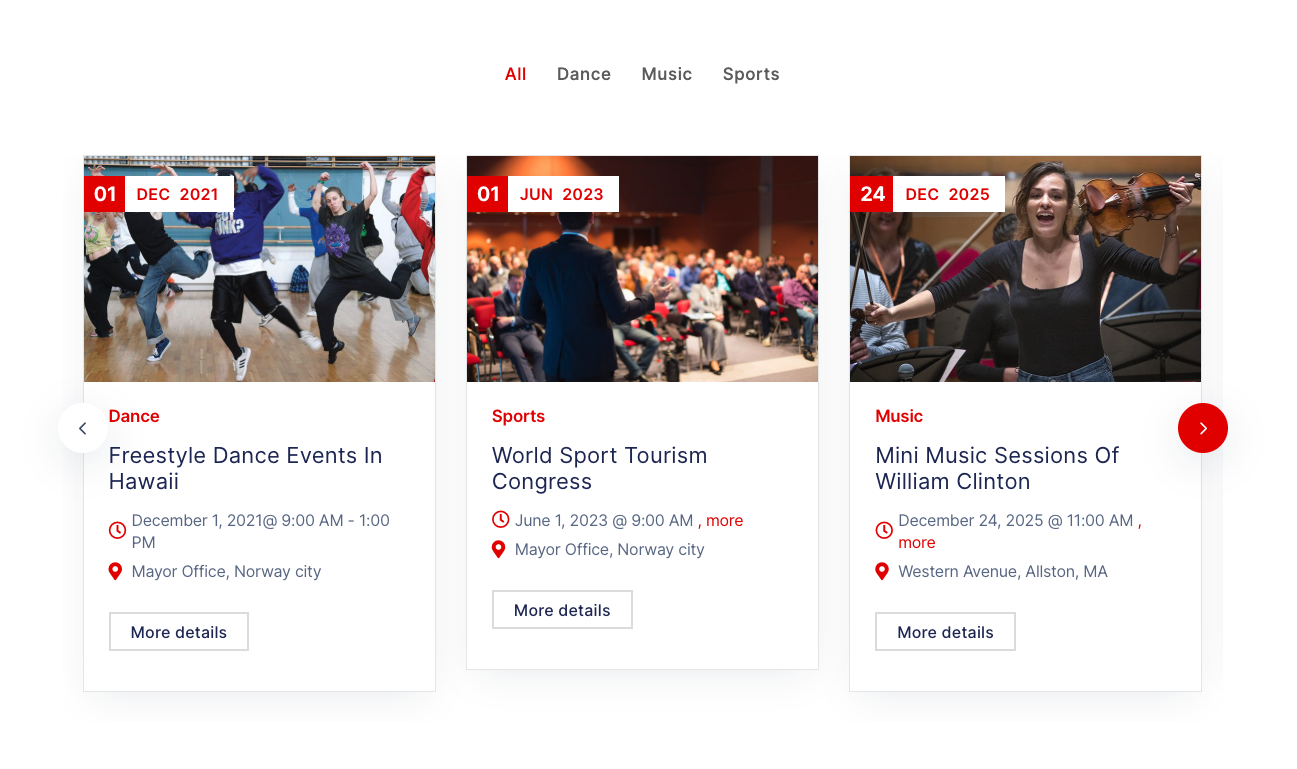
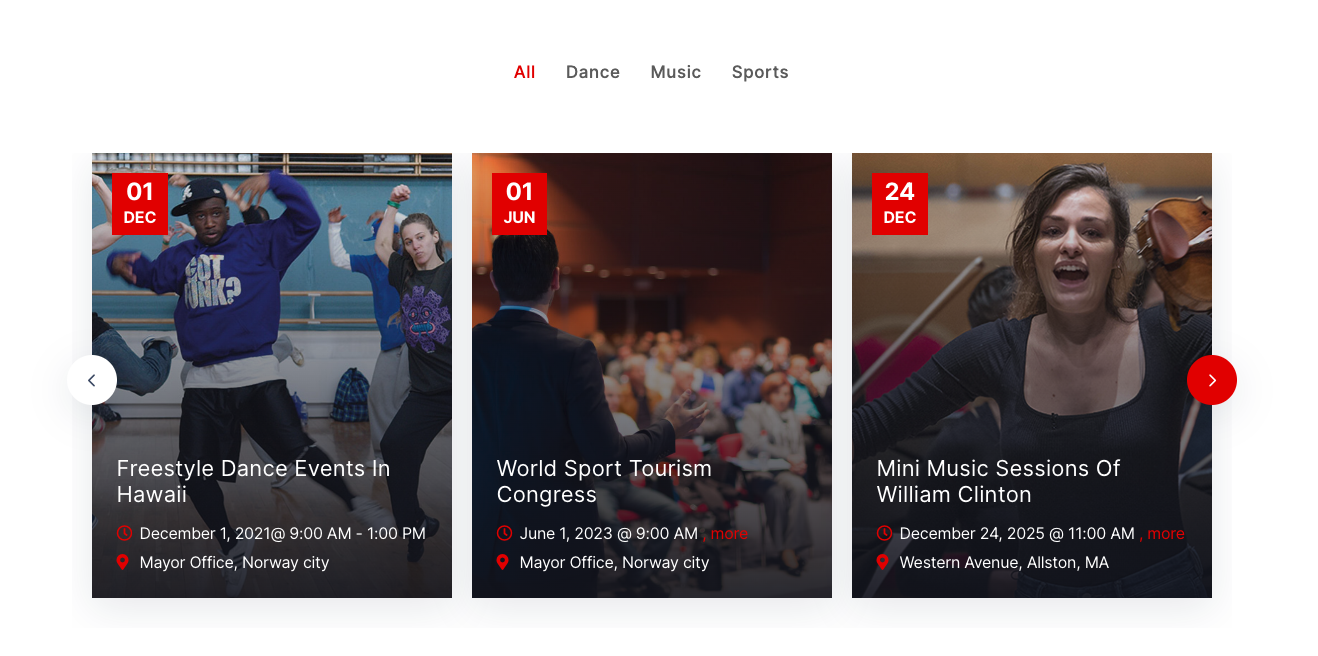
Filter events by category instantly with AJAX — no page reload. Works as an Elementor widget or shortcode.
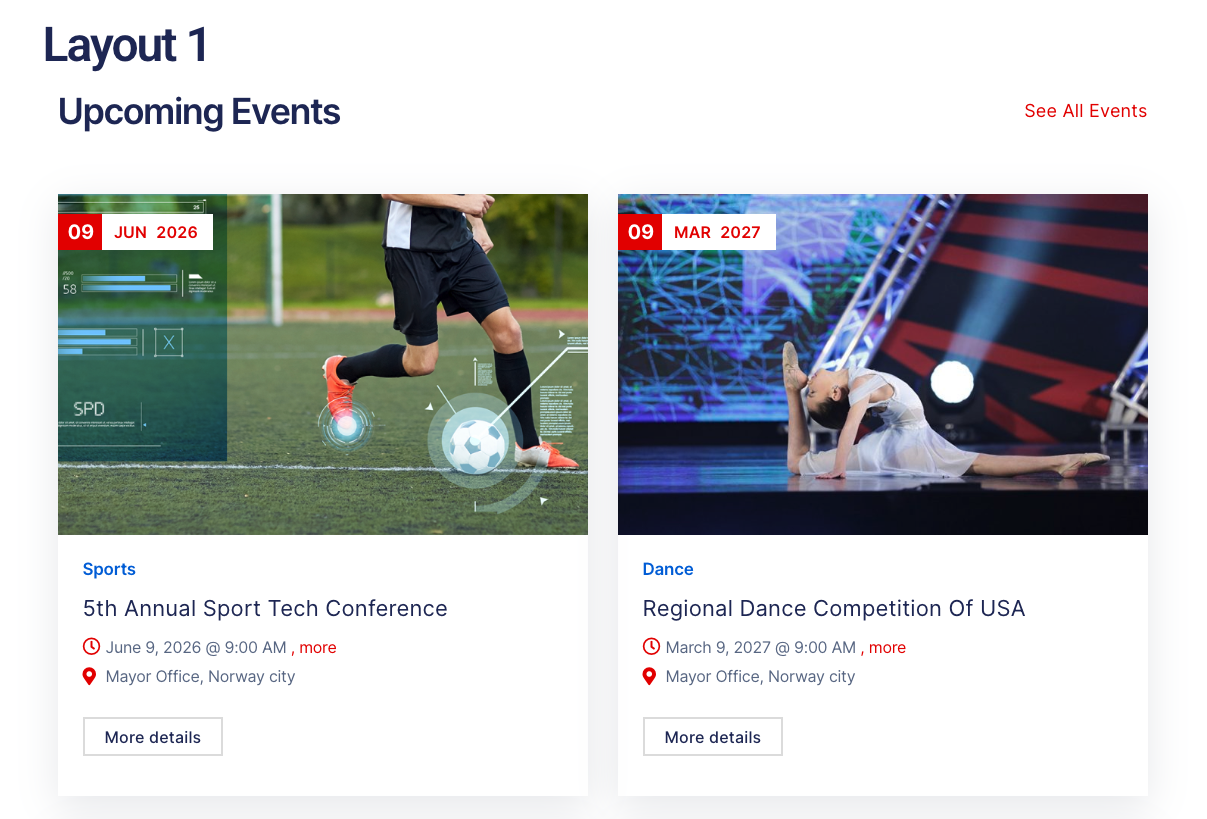
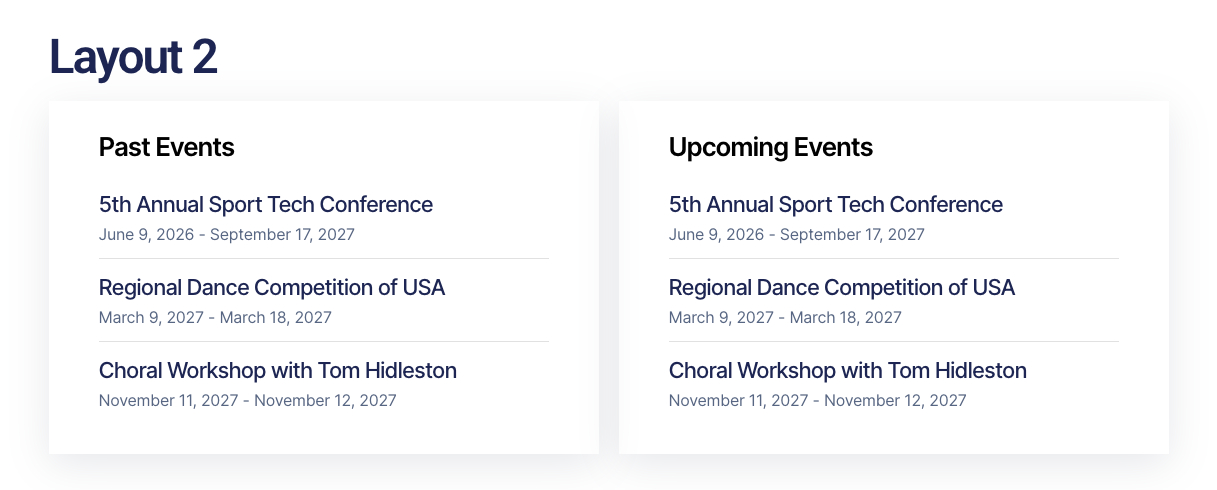
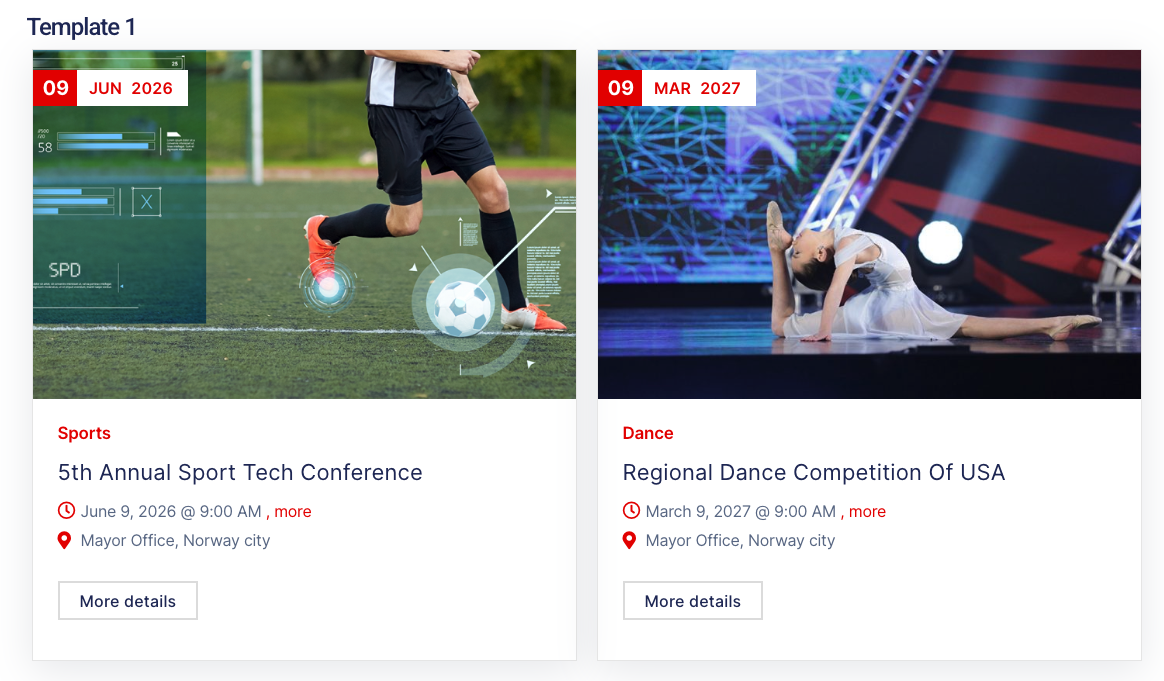
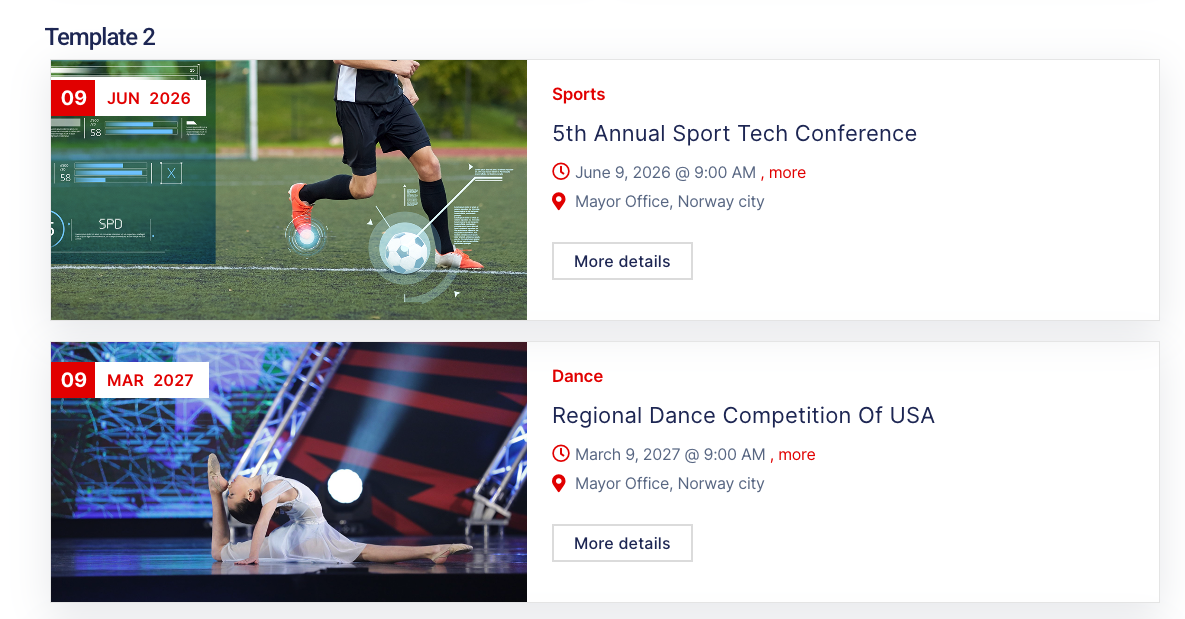
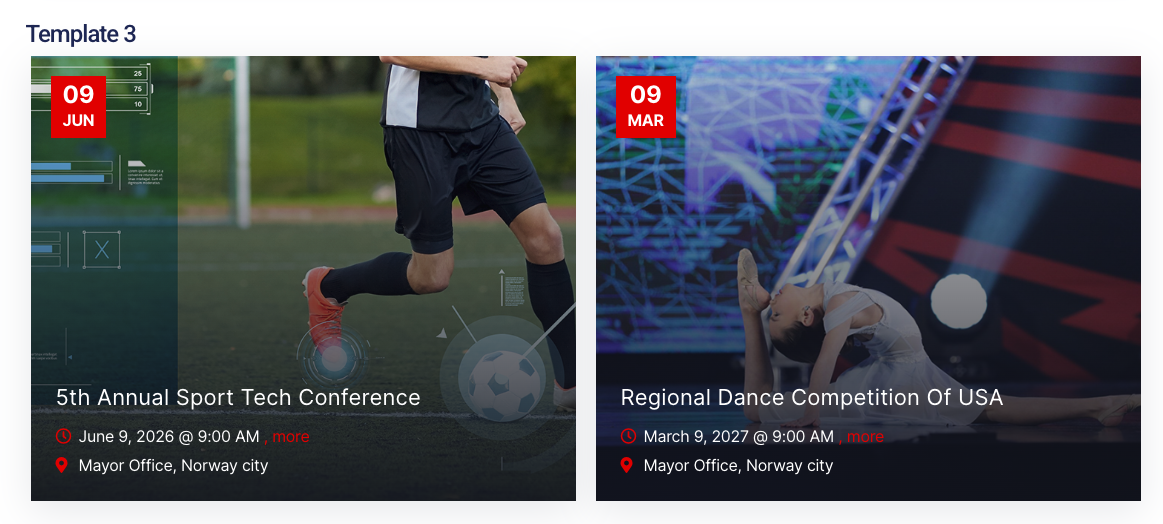
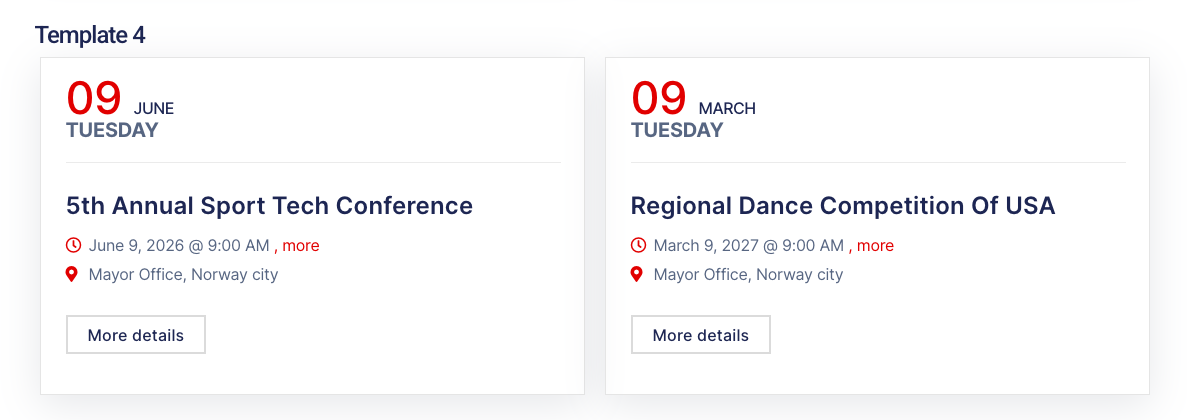
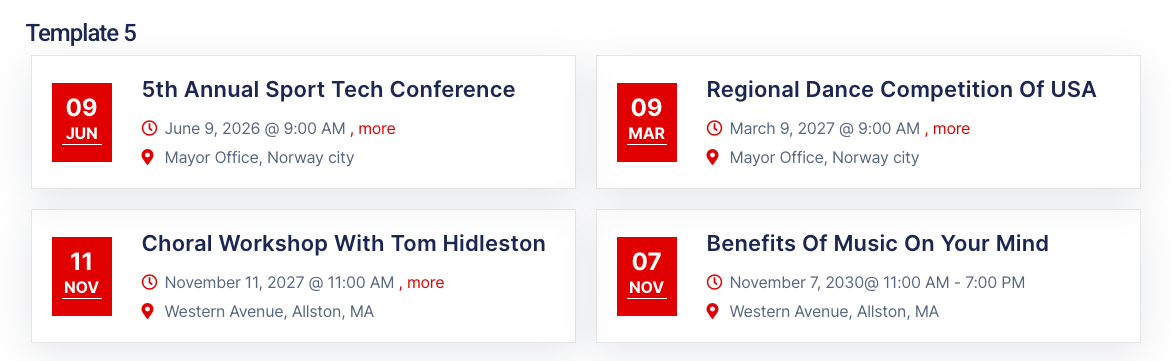
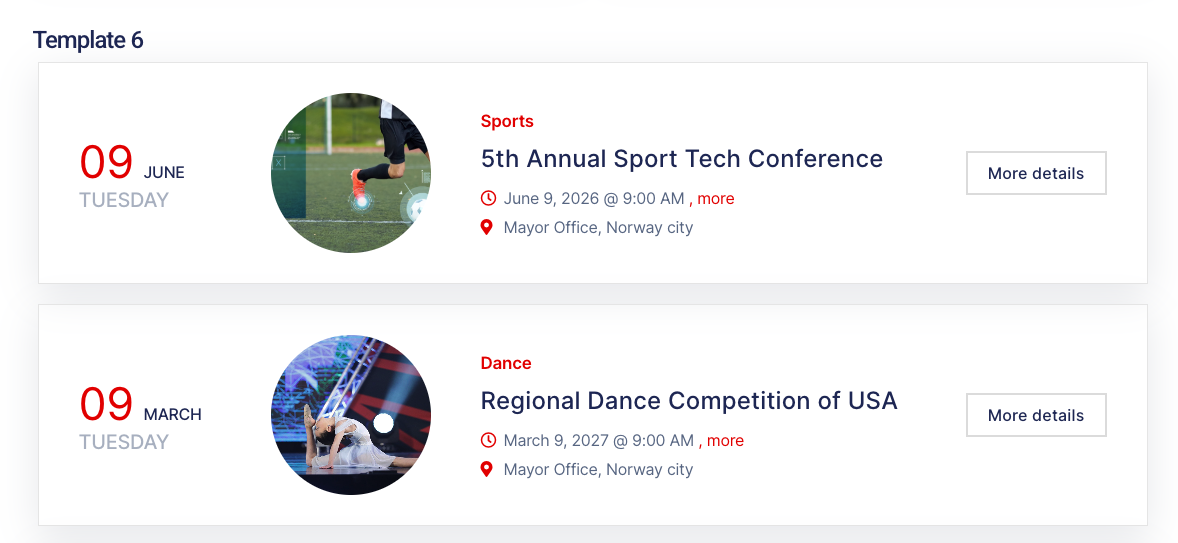
Display upcoming, past or ongoing events in 6 template styles — as an Elementor widget or shortcode
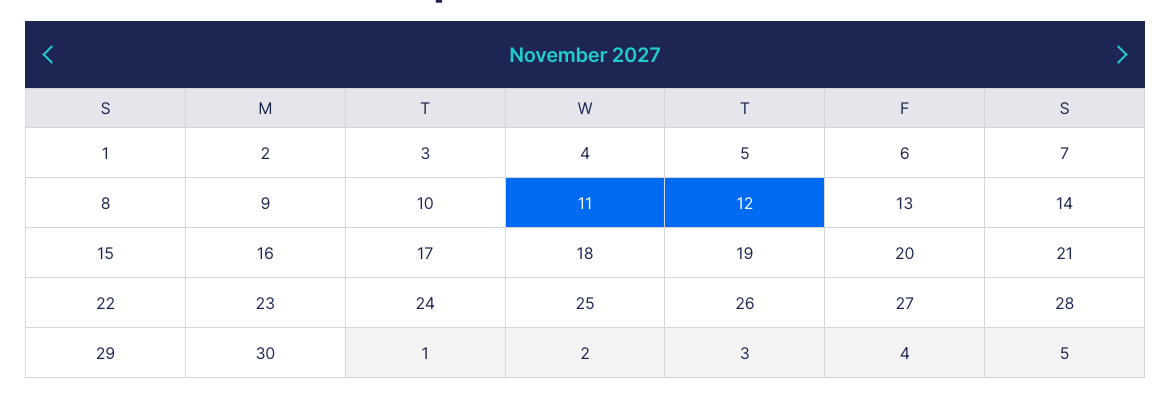
Show a clean monthly calendar that highlights any day with an event; visitors click a highlighted date to open its event page. Available as an Elementor widget and a shortcode.
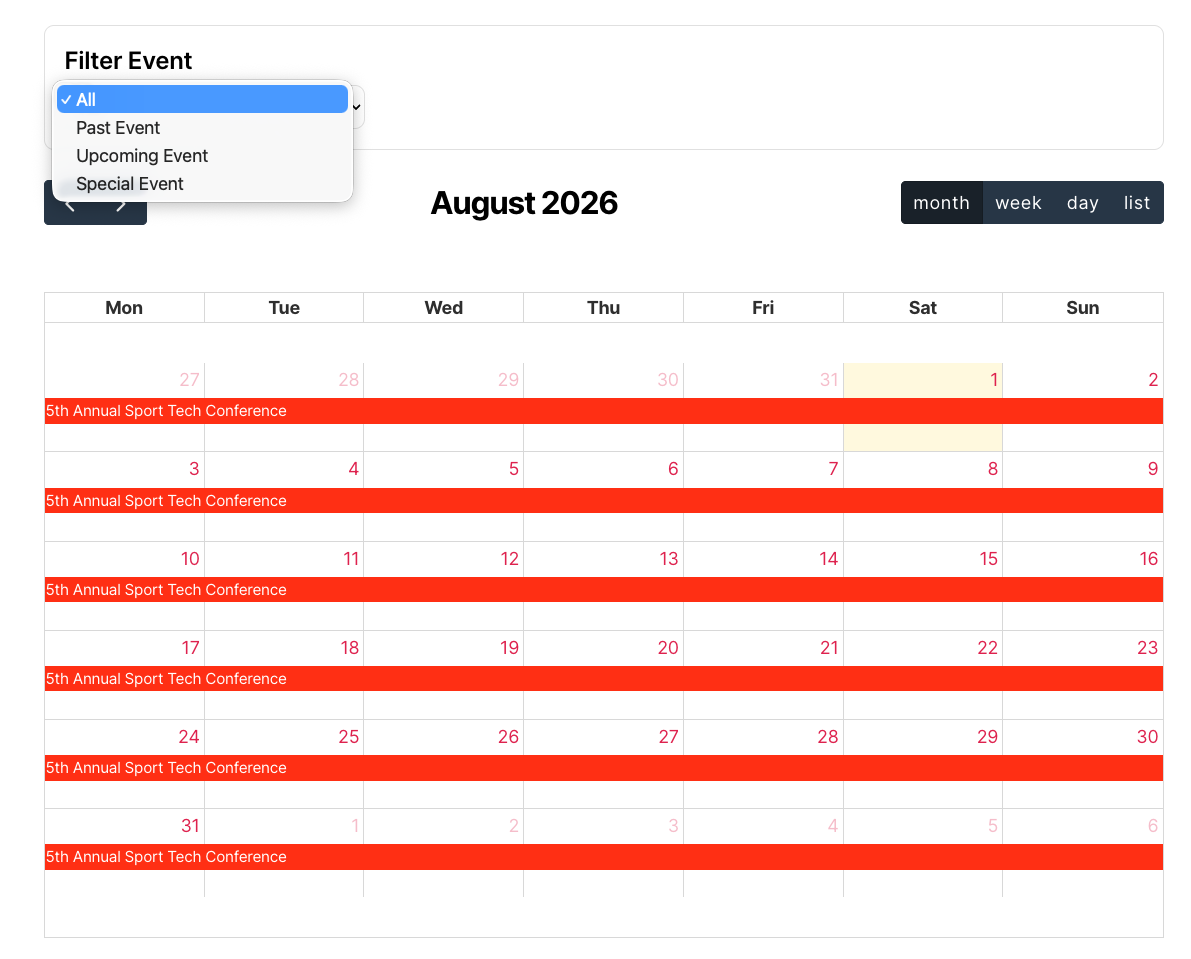
Display all events in a full calendar with month, week, day and list views, plus filters for past, upcoming and special events. Works as an Elementor widget or shortcode.
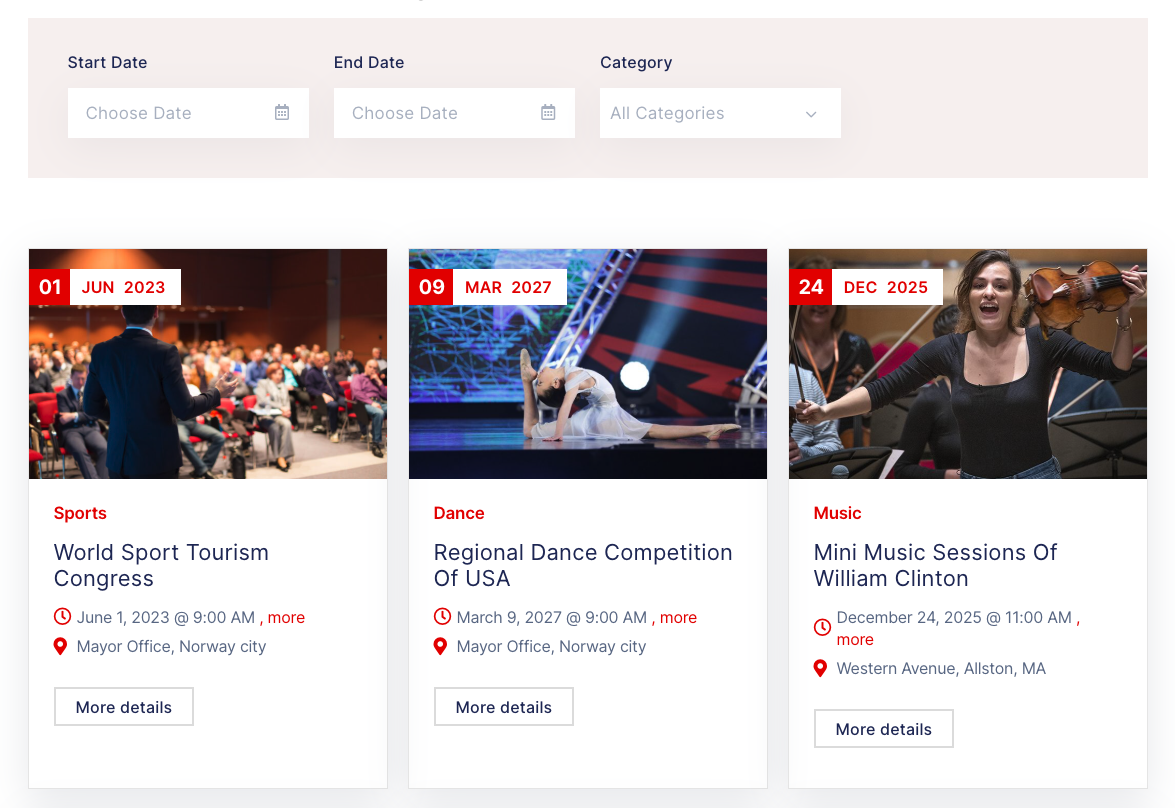
Let visitors search events by start date, end date and category, with instant AJAX results — Elementor widget or shortcode.
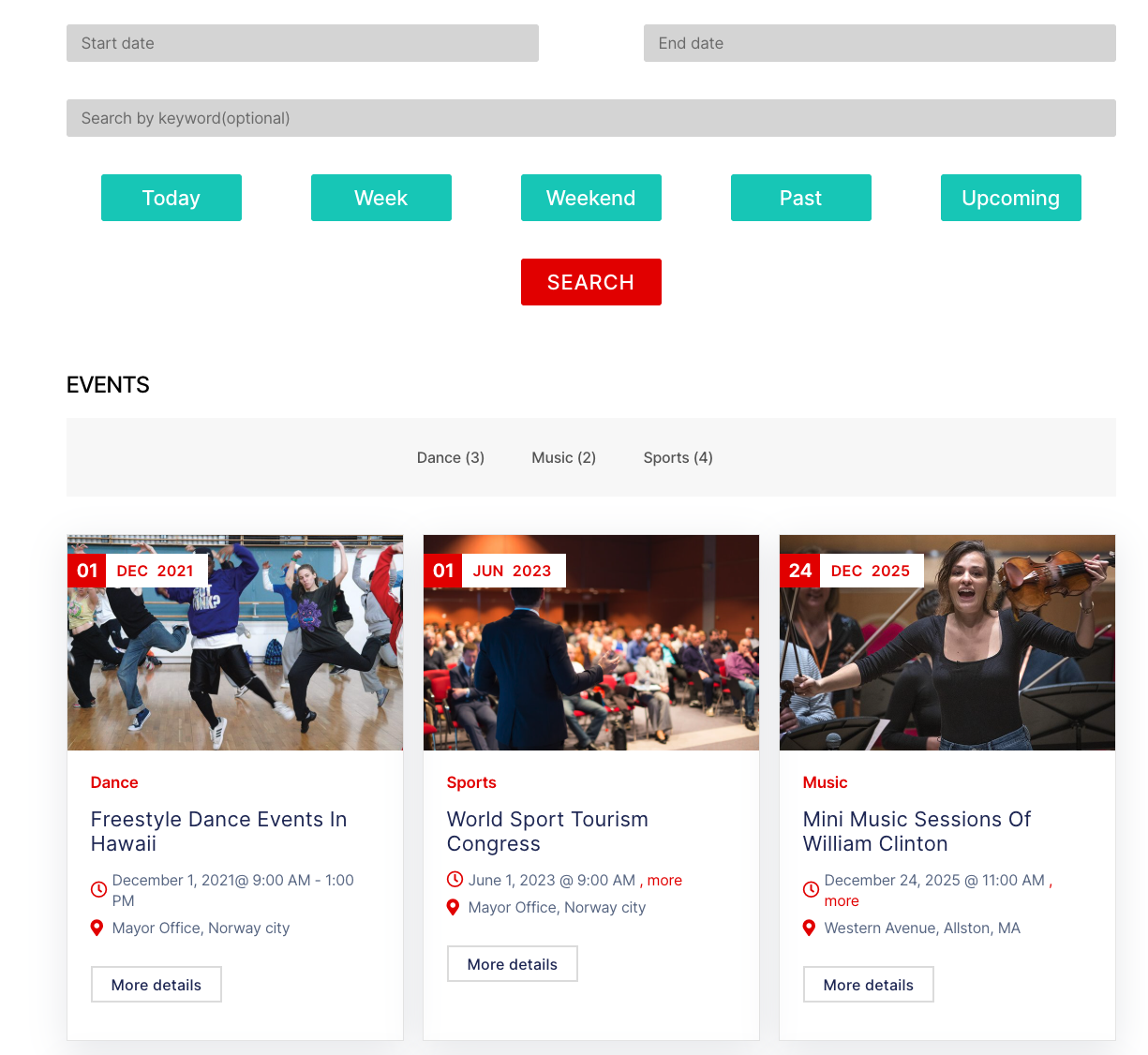
Search events by date, keyword and quick filters — Today, Week, Weekend, Past, Upcoming — with category tabs. Shortcode only.

Showcase event categories with images and event counts in a slider — as an Elementor widget or shortcode.
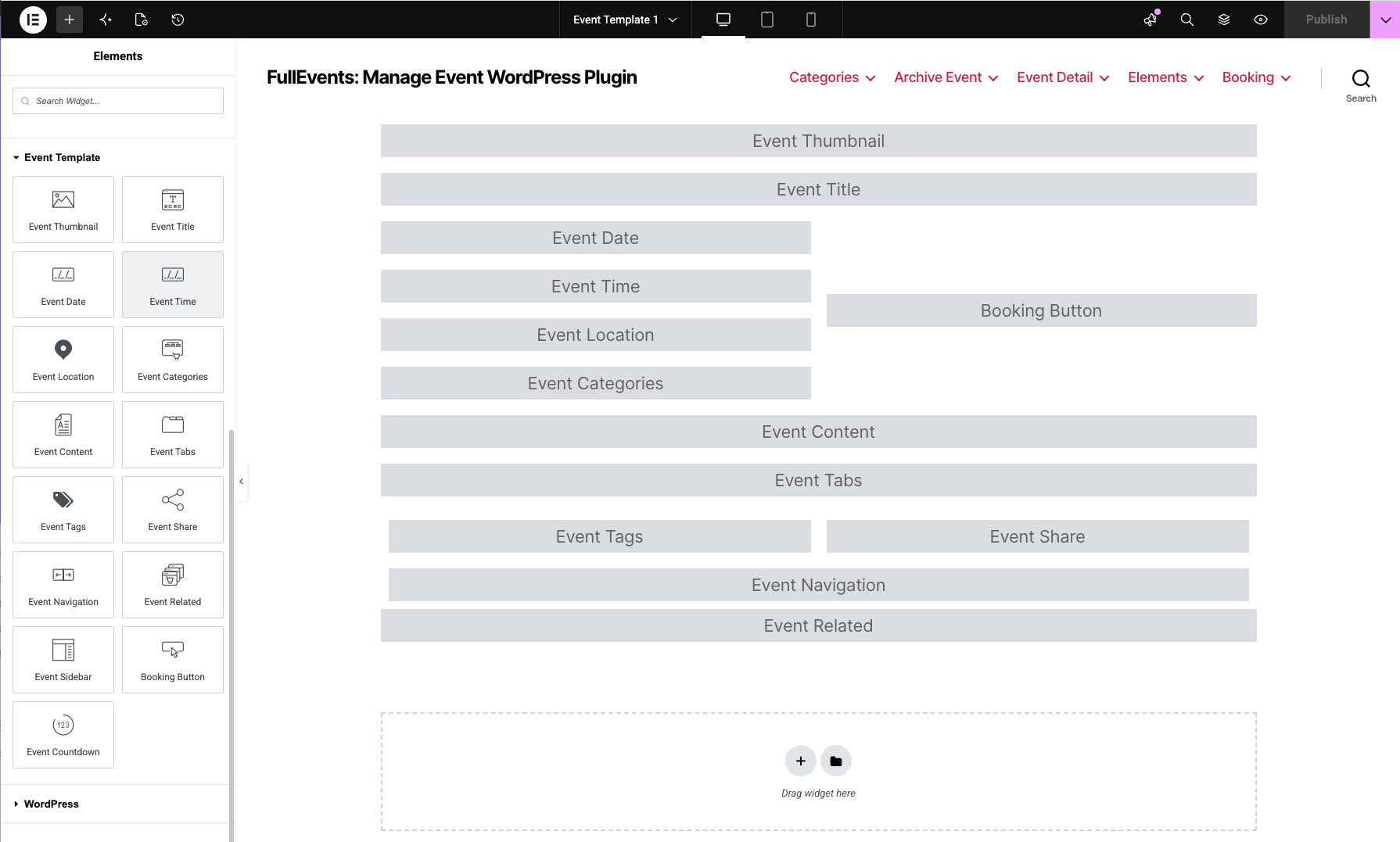
Build custom single event templates in Elementor with a full set of dedicated widgets — thumbnail, title, date, time, location, categories, content, tabs, tags, share, navigation, related, sidebar, countdown and booking button.
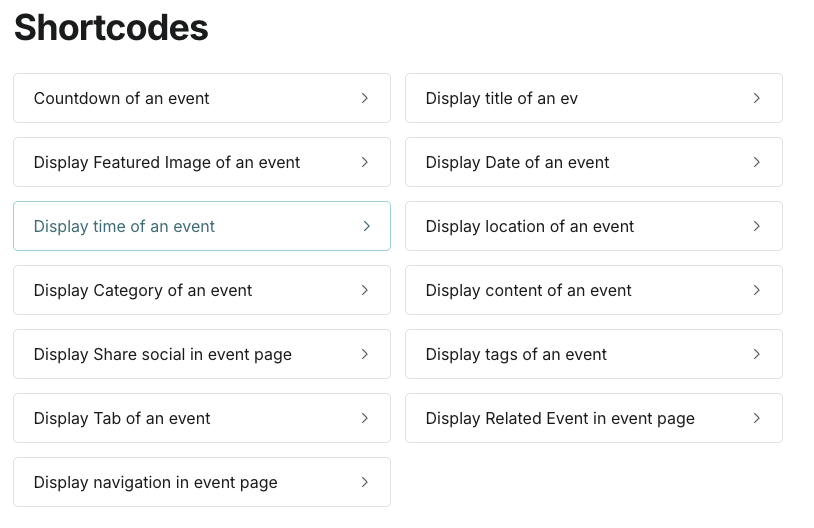
Build single event pages with a complete set of shortcodes — countdown, featured image, title, date, time, location, category, content, tags, tabs, social share, navigation and related events.
Frequently Asked Questions
Do you have a question about product? See our most frequently asked questions. If your question is not listed below, please contact us.
Do I need Elementor to use FullEvents?
No. FullEvents also includes 20 shortcodes, so you can display events on any theme without a page builder. Elementor widgets are optional.
Do I need Elementor Pro?
No. The Elementor widgets work with the free version of Elementor.
Can I sell tickets with this plugin?
Yes. You can take paid bookings through WooCommerce checkout, or link free events to an external booking page.
Will FullEvents work with my theme?
Yes. It's theme-independent and works with any properly coded WordPress theme.
Is the plugin translation ready?
Yes. A .pot file is included, the calendar ships with 30+ languages, and it's compatible with WPML and Polylang.
Does it support right-to-left (RTL) languages?
Yes. FullEvents is fully RTL-ready.
Is FullEvents mobile responsive?
Yes. All layouts adapt to phones, tablets and desktops.
Which PHP versions are supported?
FullEvents is compatible with PHP 7.x and 8.x.
Can I use a different design for each event?
Yes. You can assign a custom Elementor template to any single event.
Do I get updates and support?
Yes. FullEvents comes with documentation, ongoing updates and dedicated support from Ovatheme.
Your Benefits
Everything included with your purchase.
-
Download the product package immediately after successful payment.
-
14-day refund policy
-
12 months of support and updates
-
Online documentation included
-
Secure checkout & instant access
Safe payment, instant access, and reliable support.
Review & Rating
See what customers think about this WordPress events plugin — real ratings and reviews to help you buy with confidence.
Add a review Cancel reply
You must be logged in to post a review.

We sell WordPress digital products, including themes and plugins.
I have just moved from a famous event manager to OVA FullEvents, and I am happy I made the switch.
Very clean and easy to use plugin, and minutes after purchasing it I was helped by the nicest and fastest support to (not to fix as there was nothing broken) make special modification to fit RTL and Arabic to fit my site, although the said there will be an update later, but they new I can not wait 🙂 .