
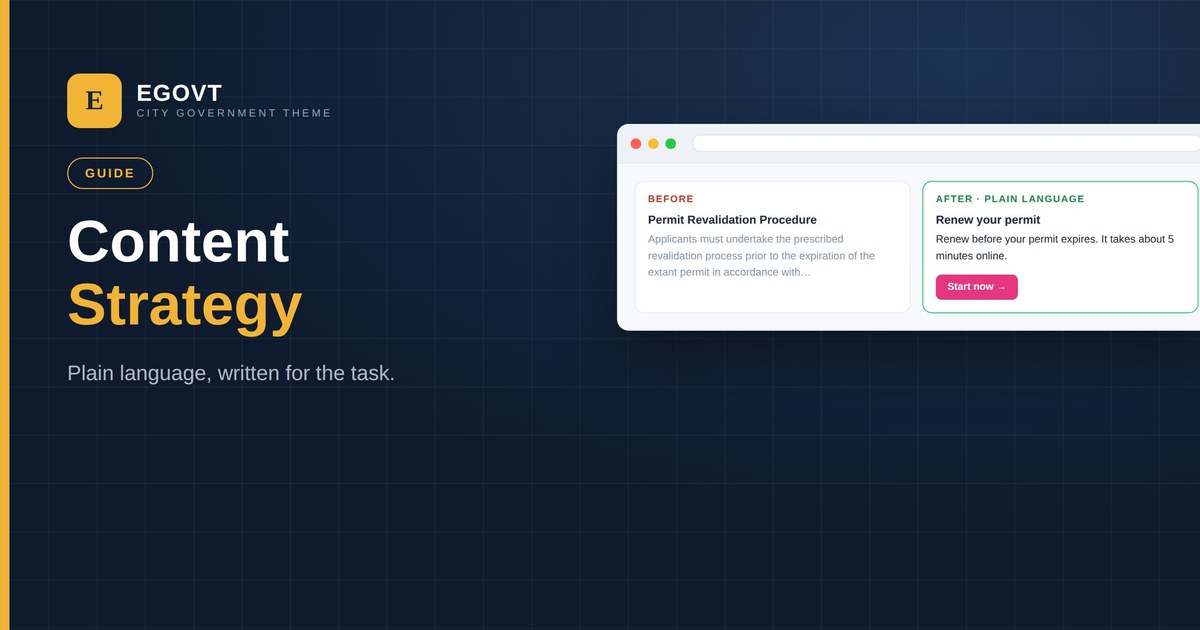
A government website can be technically perfect and still fail, if people can’t understand it. Good content is part of accessibility and part of trust. This guide covers a practical content strategy for the public sector: write for the task, in plain language, with a structure that helps people get things done.
Start with citizen tasks
People don’t visit to read — they come to do something: renew a permit, pay a bill, find an office, book an appointment. Identify the top tasks (your search logs and support calls will tell you), and make each one easy to find and complete. Organise content around those tasks, not around your internal departments.
Write in plain language
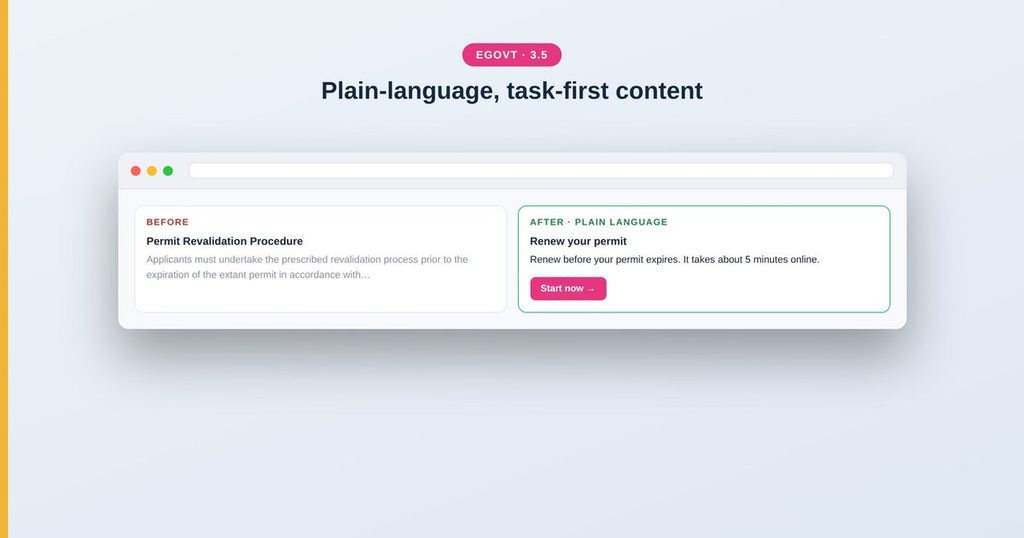
- Use everyday words — “renew your permit”, not “permit revalidation”.
- Keep sentences short and lead with what the reader needs to do.
- Use “you” and the active voice.
- Expand or avoid acronyms and internal jargon.
- Aim for a reading level a broad audience can follow — many governments target around grade 8.
Structure every page for scanning
- A clear, task-based H1 that matches what the reader searched for.
- Short sections with descriptive H2/H3 headings, in order.
- Bulleted steps for anything sequential.
- The key action near the top, not buried at the bottom.
- Links with meaningful text, so they make sense out of context.
Content is an accessibility issue
Clear content helps everyone, including people using screen readers or with cognitive disabilities. Proper heading order, descriptive links and plain language are WCAG requirements as well as good writing — so a content strategy and an accessibility strategy are really the same project.
Keep it current
Out-of-date information erodes trust fast. Assign owners to key pages, review them on a schedule, and remove or archive content that no longer applies. Egovt’s structured sections — services, departments, documents and events — make it easy to keep each type of content in its place and up to date.
Tips
- Test your wording with someone outside your team.
- Rewrite the pages your analytics show people struggle with.
- Prefer an accessible web page over a PDF whenever you can.
- Front-load the answer; save background for lower down.
A structure that supports good content
Egovt’s civic sections — services, departments, documents, events — give your content a clear home, so good writing has a good structure to live in. See the live demo.
Frequently asked questions
What is a content strategy for a government website?
A plan for writing and organising content around citizen tasks, in plain language, with a clear page structure — so people can find and complete what they came to do.
What reading level should government content target?
A broad, general-audience level — many governments aim for around grade 8. Short sentences, everyday words and the active voice help everyone.
Is content part of accessibility?
Yes. Plain language, correct heading order and descriptive links are WCAG requirements as well as good writing, and they help people using assistive technology.
Should I use PDFs or web pages?
Prefer accessible web pages. PDFs are often inaccessible and harder to use on mobile; if you must publish one, provide an HTML alternative.
