
Choosing the right WordPress car rental plugin is essential for running a successful rental business. Whether you manage a small fleet or operate across multiple locations, the right plugin helps you automate bookings, manage availability, and accept online payments.
In this article, we compare the top WordPress car rental plugins and help you decide which one fits your business best.
Quick Comparison Table
| Plugin | Price | WooCommerce | Best for |
| BRW – Booking & Rental Plugin | $49 one time | Yes | Small & Medium Rental Businesses |
| VikRentCar | Free/ From $129 | No | Advanced businesses |
| Car Rental Booking System – QuanticaLabs | $59 one time | No | Multi-location Rentals |
| RnB WooCommerce Rental Plugin | $29 + Add-ons | Yes | WooCommerce Rentals |
| Car Rental System – Native WP Plugin | $85 one time | No | Small rental agencies |
1. BRW – Booking & Rental Plugin for WooCommerce (Best Overall)
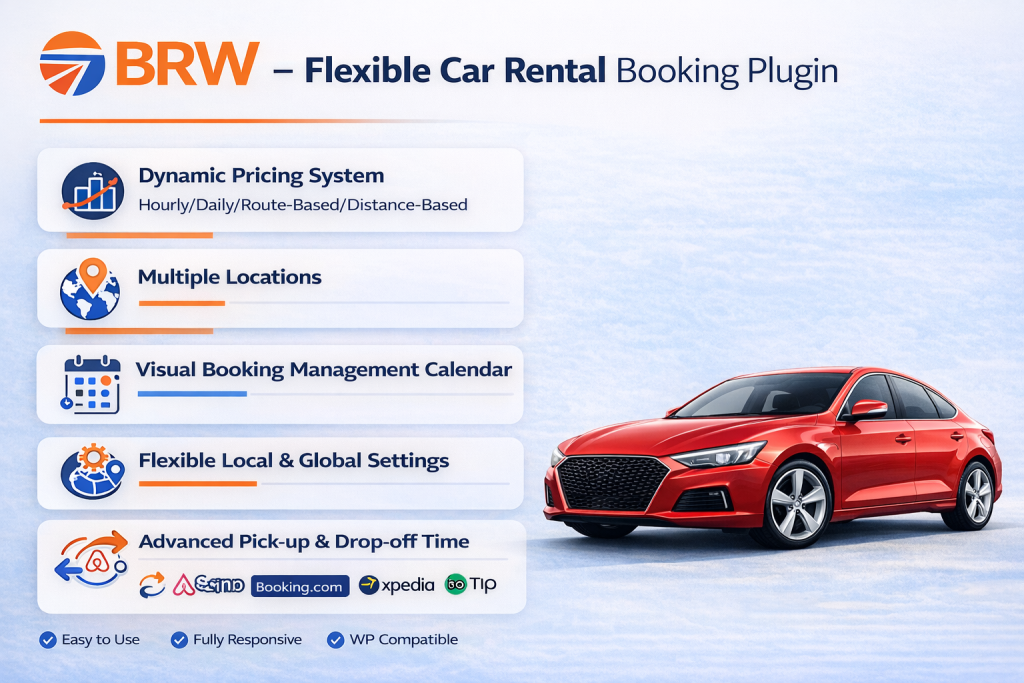
BRW – Booking & Rental Plugin for WooCommerce is one of the most powerful and flexible WordPress car rental plugins available today. It is designed specifically for car rental businesses including: Self-drive car rental, Chauffeur-driven rental, Airport transfer, Long-term rental, Short-term rental, Hourly rental and Daily rental
Key Features
- Real-time booking calendar
- Multiple pickup and drop-off locations
- Flexible pricing
- WooCommerce integration
- Multiple vehicles management
- Custom booking form
- Extra services and add-ons
Pros
✅ Dynamic Pricing System: Perfect for almost any car rental service. Whether you need multiple daily rates, hourly rates, mixed day-and-hour pricing, seasonal rates, Package rate , distance-based fees, route-based pricing, or time-slot pricing, this system has you covered.
✅ Powerful Location Features: Set up pick-up and drop-off locations in two flexible ways. Pick-up/drop-off pairs with route-based fees or separate pick-up and drop-off lists and fees for each location
✅ Visual Booking Management Calendar: Manage all your bookings easily with a clear, interactive calendar in the backend
✅ Flexible Settings: Configure booking rules and rental settings per car (local settings) or apply them globally for all vehicles.
✅ Advanced Pick-up & Drop-off Time: Assign a shared schedule for weekdays to a specific vehicle
✅Sync booking with Google Calendar and external booking platforms
✅ All-in-One Package at an Affordable Price
Cons
❌ Requires WooCommerce
❌ No Free Version
Best For
- Car rental businesses
- Small to medium rental businesses
- Taxi and transfer service providers
Why BRW stands out:
BRW offers the most flexibility compared to other plugins and includes advanced features in a single package without requiring additional add-ons.
2. VikRentCar (Best for Advanced Car Rental Businesses)

VikRentCar is a powerful WordPress plugin built for advanced car rental operations. It is particularly suitable for businesses that require multi-branch management, complex pricing rules, and detailed booking controls. While it offers a wide range of professional features, the setup process can be more complex for beginners.
Key Features
- Advanced pricing system
- Multi-language support
- Availability calendar
- Statistics tracking
- Extras and additional fees
- Rental car overview calendar
Pros
✅ Visual monthly calendar for managing rental orders
✅ Conversion tracking with visitor, customer, and referral analytics
✅ Flexible pricing: hourly, daily, weekly, monthly, and seasonal rates
✅ The free version provides basic car rental features
✅ Advanced premium features like Rental restrictions, Customer management and coupon codes, payment system with credit cards (60+ payment gateways supported) that you need buy a license for a year to use them
Cons
❌ More complex setup compared to beginner-friendly plugins
❌ User interface may not be intuitive for new users
Best For
- Advanced car rental businesses
- Multi-location rental companies
- International car rental services
- Businesses that need detailed pricing and reporting systems
3. Car Rental Booking System – QuanticaLabs (Ideal for Multi-location Car Rental Businesses )
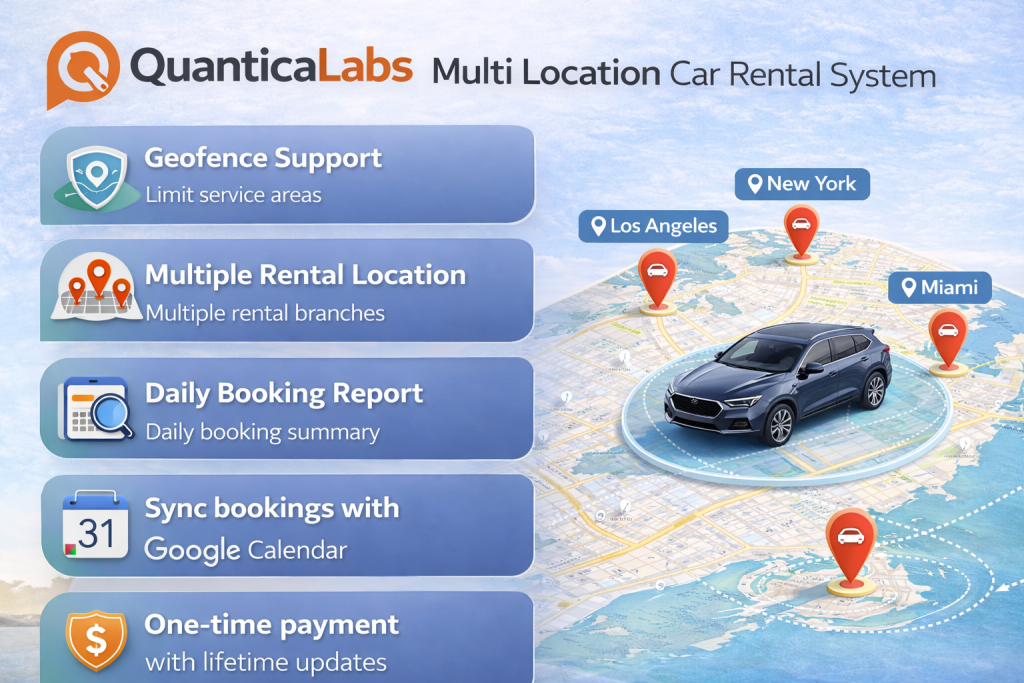
Car Rental Booking System is a powerful standalone plugin built for hourly and daily car rental services. It supports multiple rental locations, each with its own fleet, operating hours, payment options, and Google Maps display. The plugin features a flexible pricing engine, geofencing, distance-based delivery charges, custom pickup and return zones, availability management, and more. It also includes advanced tools such as Google Calendar sync, frontend widgets, email and SMS notifications, and daily booking reports.
Key Features
- Multiple Pricing Plans
- Multiple Rental Locations with Map
- Multiple pick-up & drop-off locations
- Availability Rules
- Built-in Calendar
Pros
✅ Geofence Support: Limit service areas using map-based zones (example: Deliver vehicles only within New York city center)
✅Multiple Rental Locations: Support multiple branches, each with its own vehicles, business hours, payment methods, and Google Maps visibility
✅ Daily Booking Report: Receive daily booking summaries and reports
✅ Sync bookings with Google Calendar
✅ One-time payment with lifetime updates
Cons
❌ No Free Version
❌ Limited pricing flexibility: No long-term rental pricing options (weekly and monthly)
Best For
- Multi-location car rental businesses
- Hourly or daily rental services
- Delivery-based rental services
4. RnB WooCommerce Rental Plugin (Perfect for WooCommerce Rental Websites)
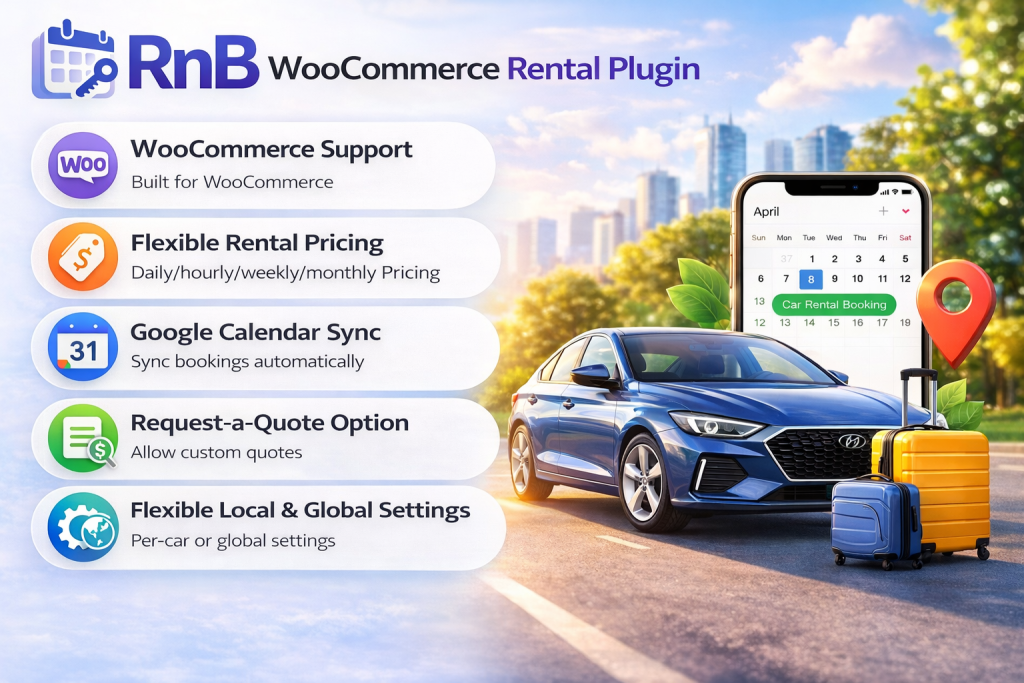
RNB Booking Plugin is a complete booking and rental solution for WooCommerce, built to make online rentals simple, flexible, and efficient. From pricing and availability management to pickup, drop-off, and customer-friendly booking forms, RNB gives you everything you need to run a professional rental business online.
Key Features
- WooCommerce integration
- Multiple Pricing rules
- Extra options
- Booking calendar
- Inventory & Availability Management
- Request for Quote
- Multiple Payment Gateways
Pros
✅ WooCommerce support
✅ Flexible rental pricing plan: Beside hourly pricing, daily pricing, RNB supports long-term rental pricing options (weekly and monthly)
✅ Google Calendar sync
✅ Request-a-quote option
✅ Multiple Rental Settings for Each Car (Advanced Local Configuration): Configure booking form fields and apply specific booking conditions for each individual car. This includes options such as date format, time format, and other custom rental settings tailored to each vehicle.
Cons
❌ UI can be confusing
❌ No Route-based price
❌ Additional payments are required for essential car rental features such as backend manual booking, search and filter, and seasonal pricing. Each feature must be purchased separately. In contrast, other plugins include all these features in a single package with a one-time payment, such as BRW
Best For
- WooCommerce rental websites
- Car Rental
- Airport transfer
- Taxi booking
5. Car Rental System – Native WP Plugin (Suitable for Small rental agencies)
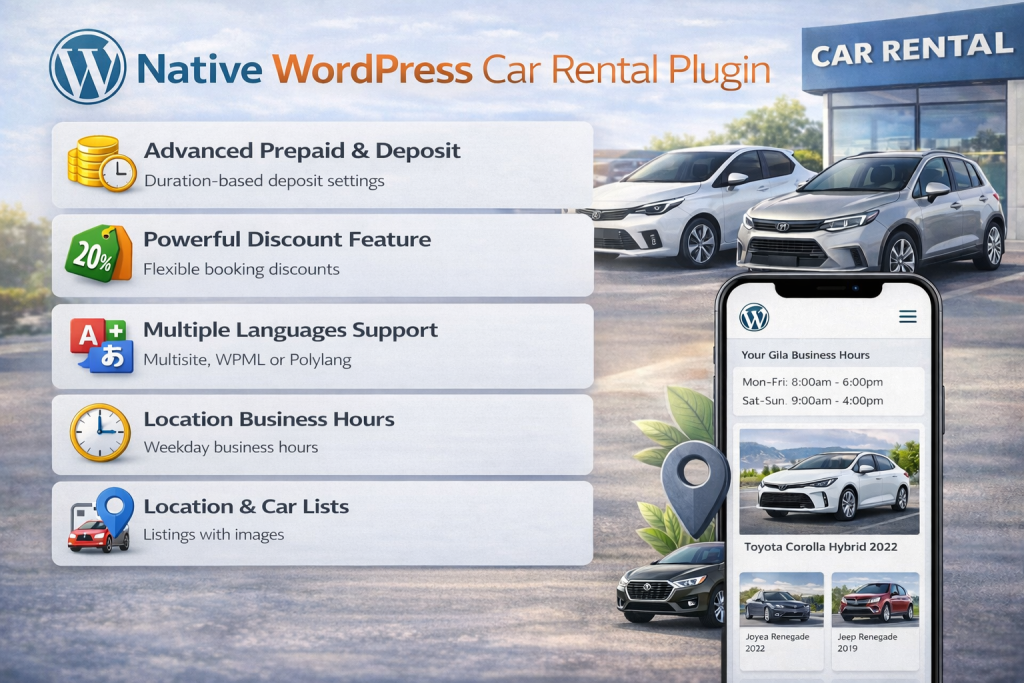
Car Rental System (Native WP Plugin) is a dedicated WordPress booking plugin for car rental services. It offers flexible booking features, easy vehicle management, and seamless integration with WordPress to help you run your rental business more efficiently. It is perfect for rental businesses that need a simple rental booking system.
Key Features
- Price by season / day / hour / mixed
- Coupons, deposits, prepayments & discounts
- Multiple pick-up, return & distance fees / locations
- Single or multiple cars booking
- Unlimited cars, partners, features, options & extras
Pros
✅ Advanced Prepaid & Deposit: Set individual or global prepaid and deposit percentages based on reservation duration.
✅ Powerful Discount Feature: Set individual or global discounts based on reservation duration or advance booking.
✅ Multiple languages via Multisite, WPML or Polylang
✅ Location business hours by weekday
✅ Manufacturers grid, Location & car lists with images
Cons
❌ No support for distance-based or route-based pricing models
❌ Limited flexibility for setting essential booking rules, such as minimum/maximum booking days, preparation time, and advance booking days
❌ Unable to sync bookings with Google Calendar or third-party platforms
❌ Does not include advanced notification options
Best For
- Small rental agencies
- Car renal businesses with simple rental booking system
Feature Comparison
Booking Features
| Criteria | BRW | RnB | VikRentCar | QuanticaLabs | Native WP Plugin |
| Booking calendar | Good | Good | Good | Good | Good |
| Real-time availability | Good | Good | Good | Good | Good |
| Manual booking | Best | Add-on | No | No | No |
| Availability rules | Best | Best | Good | Limited | Limited |
| Deposit / Partial payment | Good | Good | Good | Good | Best |
| Google Maps integration | Good | Good | Limited | Best | Good |
| Distance calculation | Best | Good | Limited | Best | Good |
| Geofence | No | No | No | Best | No |
| Extra services | Best | Good | Good | Good | Good |
| Custom fields | Best | Add-ons | Good | Best | Good |
Pricing Feature
| Pricing Criteria | BRW | RnB | VikRentCar | Car Rental Booking System (QuanticaLabs) | Car Rental System (Native WP Plugin) |
| Daily pricing | ✅ | ✅ | ✅ | ✅ | ✅ |
| Hourly pricing | ✅ | ✅ | ✅ | ✅ | ✅ |
| Seasonal pricing | ✅ | Add-on | ✅ | ✅ | ✅ |
| Weekly/Montly | ❌ | ✅ | ❌ | ❌ | ❌ |
| Route-based pricing | ✅ | ❌ | ❌ | ❌ | ❌ |
| Distance-based pricing | ✅ | ❌ | ❌ | ✅ | ❌ |
How to Choose the Right Plugin
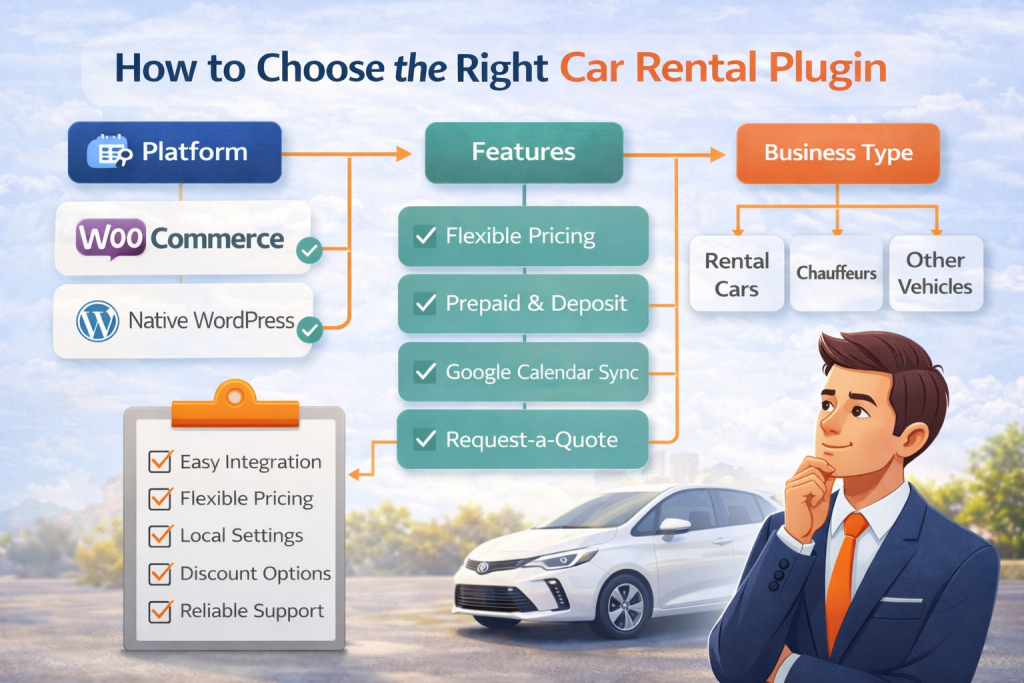
The best car rental plugin depends on how your business works.
If you need a plugin for a small or medium rental business, choose one that is easy to use and already includes the main features you need. BRW is a strong option because it offers flexible pricing, booking management, location features, and WooCommerce integration in one package.
If your business has more complex rental operations, such as advanced pricing, detailed controls, or multi-branch management, VikRentCar may be a better fit. It is more suitable for businesses that need advanced features and do not mind a more complex setup.
If you manage multiple rental locations and need features like geofence, delivery zones, and distance-based fees, Car Rental Booking System (QuanticaLabs) is a good choice. It is built for businesses that need strong location-based booking features.
If you already use WooCommerce and want a rental plugin inside that system, RnB can work well. However, some important features require extra paid add-ons, so the total cost may become higher.
If you only need a simple standalone booking system, Car Rental System (Native WP Plugin) may be enough. It works well for basic rental needs, but it is less flexible for advanced booking rules and integrations.
Before choosing a plugin, ask these questions:
- Do you need WooCommerce support?
- Do you need daily, hourly, seasonal, route-based, or distance-based pricing?
- Do you need multiple pickup and drop-off locations?
- Do you need manual booking from the backend?
- Do you need custom fields, extra services, or advanced booking rules?
Final Thoughts
Choosing the right WordPress car rental plugin depends on your business model, pricing structure, and operational needs. Some plugins are better for simple rental websites, while others are designed for businesses that need advanced pricing, multiple locations, backend booking tools, or deeper integrations.
Before making a decision, it is important to compare not only the price, but also the features included, the flexibility of the booking system, and whether the plugin can support your business as it grows. The best choice is the one that matches your current workflow and gives you enough room to scale in the future.
