
A city council website has a specific job: tell residents when meetings happen, who represents them, what services the council offers, and where to find official documents. Building all of that from a blank theme takes weeks. A ready-made city council website template gives you the structure on day one, so you spend your time on content, not layout.
This guide covers what a great council site includes, why a template beats starting from scratch, and how to launch one quickly with the Egovt city government theme.
What every city council website needs
Whether you run a small town hall or a city council, residents expect the same core sections:
- Council meetings & agendas — upcoming meeting dates, agendas and past minutes.
- Council members — who they are, their role and how to contact them.
- Services — a clear list of what the council provides and where to go.
- Documents & records — bylaws, forms, budgets and public records to download.
- News & notices — announcements, closures and public consultations.
- Contact & report an issue — an easy way for residents to reach the right office.
Why start from a template instead of from scratch
A purpose-built template already maps these sections to real, editable content types. You get a coherent design, mobile responsiveness and accessibility groundwork out of the box, and you avoid paying a developer to rebuild features every government site needs. With one-click demo import, you start from a finished-looking site and simply swap in your own details.
Using Egovt as your city council template
Egovt is built around exactly the content a council publishes. Here is how its modules map to a council website:
| Council website need | Egovt feature |
|---|---|
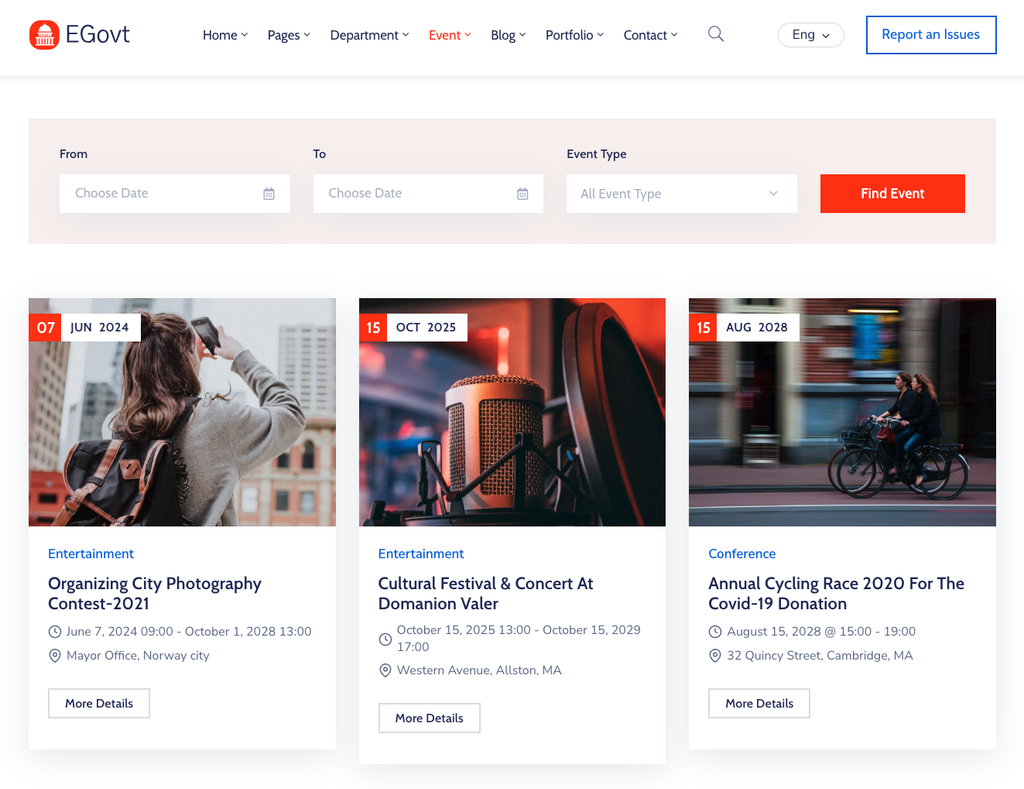
| Council meetings & agendas | Events module with date/type filtering and a calendar |
| Council members & staff | Team module with roles, bios and contact details |
| Departments & committees | Departments module showing structure and duties |
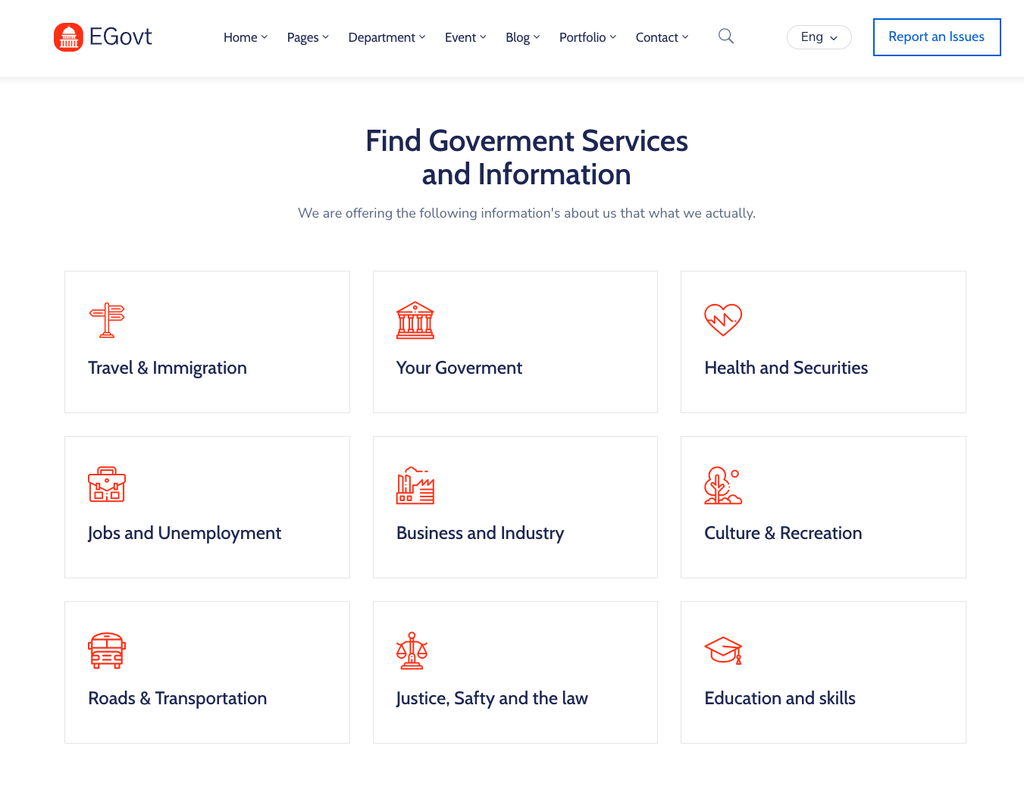
| Services for residents | Service Manager — a searchable list of every service |
| Minutes, bylaws & forms | Document & records center with filter and download |
| Local landmarks & venues | Directory of places and attractions with maps |
It runs on the free Elementor builder, so non-technical staff edit pages live, and it is WPML-ready if your community needs more than one language.

Launching your council site step by step
- Install the theme and run the one-click demo import to get a complete starter site.
- Replace the demo homepage content with your council name, logo and colors.
- Add your council members in the Team module and your committees in Departments.
- Publish your services and upload official documents to the records center.
- Add upcoming meetings as events, then set up your menu and contact page.
- Review accessibility (contrast, headings, keyboard navigation) before you go live.
For the bigger picture on choosing and building a public-sector site, see our government WordPress theme guide and our roundup of the best government WordPress themes.
Why we’d start with Egovt
For most city and town councils, Egovt covers every core section without extra plugins, stays easy for staff to run, and is the most affordable option at $49. Explore the live demo to see a council-ready layout in action.
Frequently asked questions
What should a city council website include?
At minimum: council meetings and agendas, council members, a list of services, a document and records center, news and notices, and an easy way to contact the council or report an issue.
Do I need coding skills to build a council website?
No. A template built on a visual builder like Elementor with one-click demo import lets non-technical staff publish and edit pages without writing code.
Can a council website support more than one language?
Yes, when the theme is WPML-ready. Egovt supports WPML so you can serve residents in multiple languages.
How much does a city council website template cost?
A premium template such as Egovt is a one-time license of $49 for a single site, far less than a fully custom build.
