How to Structure a Government Website
Plan a clear government website structure: core pages, navigation and a citizen-friendly sitemap that helps people find services fast.

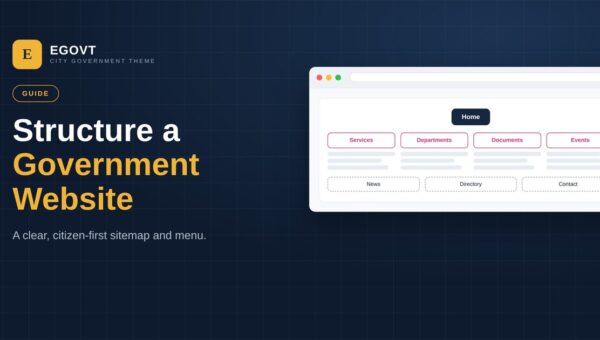
Plan a clear government website structure: core pages, navigation and a citizen-friendly sitemap that helps people find services fast.
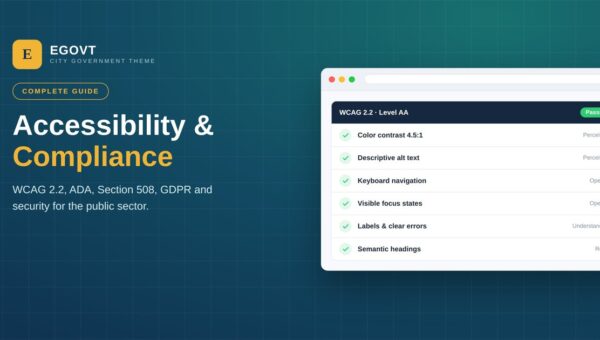
Make your government website accessible and compliant: WCAG 2.2, ADA, Section 508, GDPR and security best practices for the public sector.

Showcase officials and staff with bios, roles and photos in an organized WordPress directory. Step-by-step with the Egovt Team & Directory tools.

Promote council meetings and community programs with a filterable city events calendar in WordPress. Built with Egovt's Event Management system.

Give citizens one place to browse and download official forms, policies and public records in WordPress. Build a document center with Egovt.
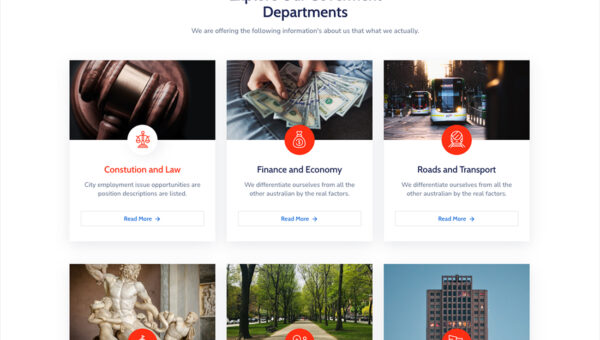
Show every government department's mission, duties and staff on one organized page in WordPress. A step-by-step guide using the Egovt theme.
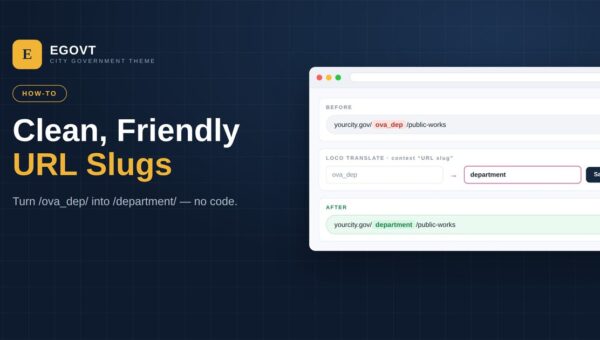
Turn URLs like /ova_dep/ into clean slugs like /department/ in the Egovt theme — no code, using the free Loco Translate plugin. A step-by-step guide.
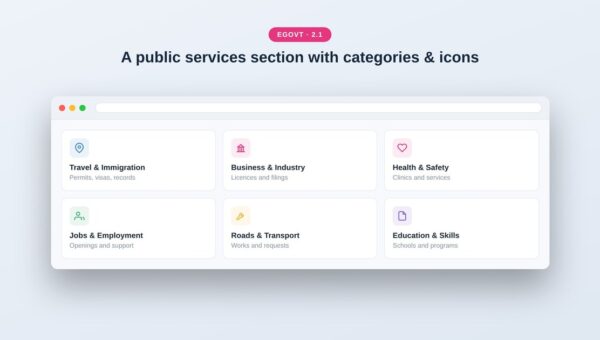
Publish a searchable list of public services in WordPress so citizens quickly find the right office. Using Egovt's Service Manager, step by step.
See what great municipality website design looks like — the layouts, sections and features that help residents, plus a ready-made template to start from.
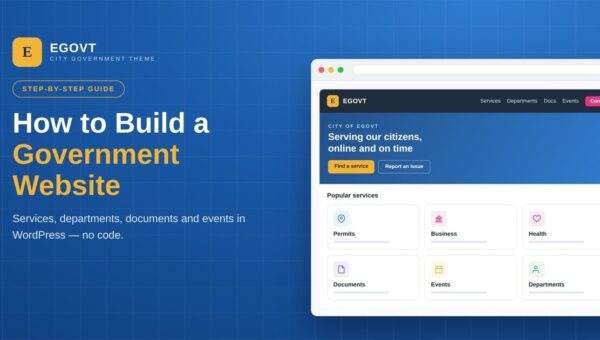
Step-by-step guide to building a government website with WordPress: services, departments, documents, events, structure and cost. No coding needed.

Copyright © 2026 OvaTheme, All Rights Reserved.